Help center / Getting started
Getting started
Creating your account, picking your license, and putting the app on your phone.
Your account
How do I create an account?
About two minutes, no card:
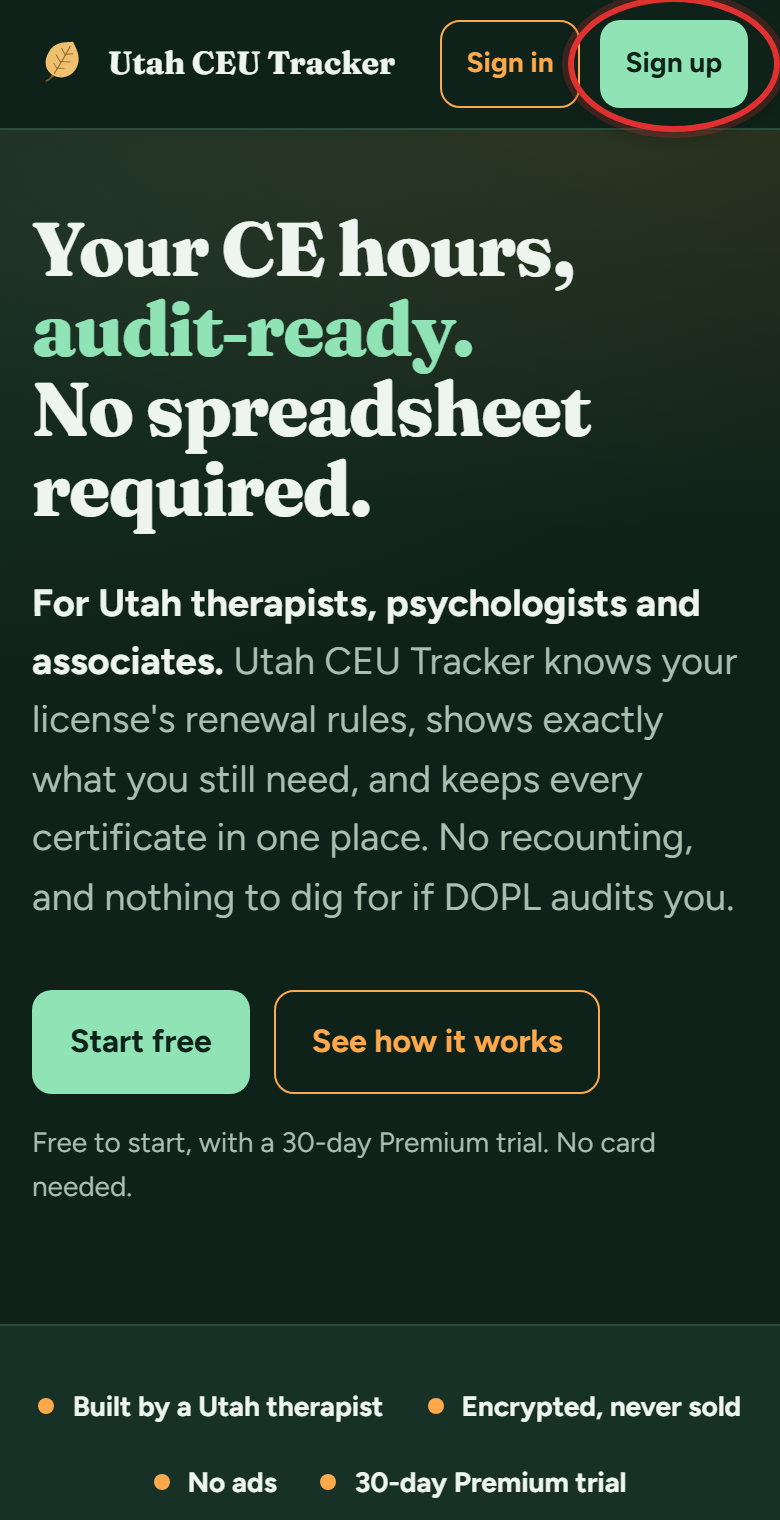
- Go to utahceutracker.com and tap Sign up (top right).
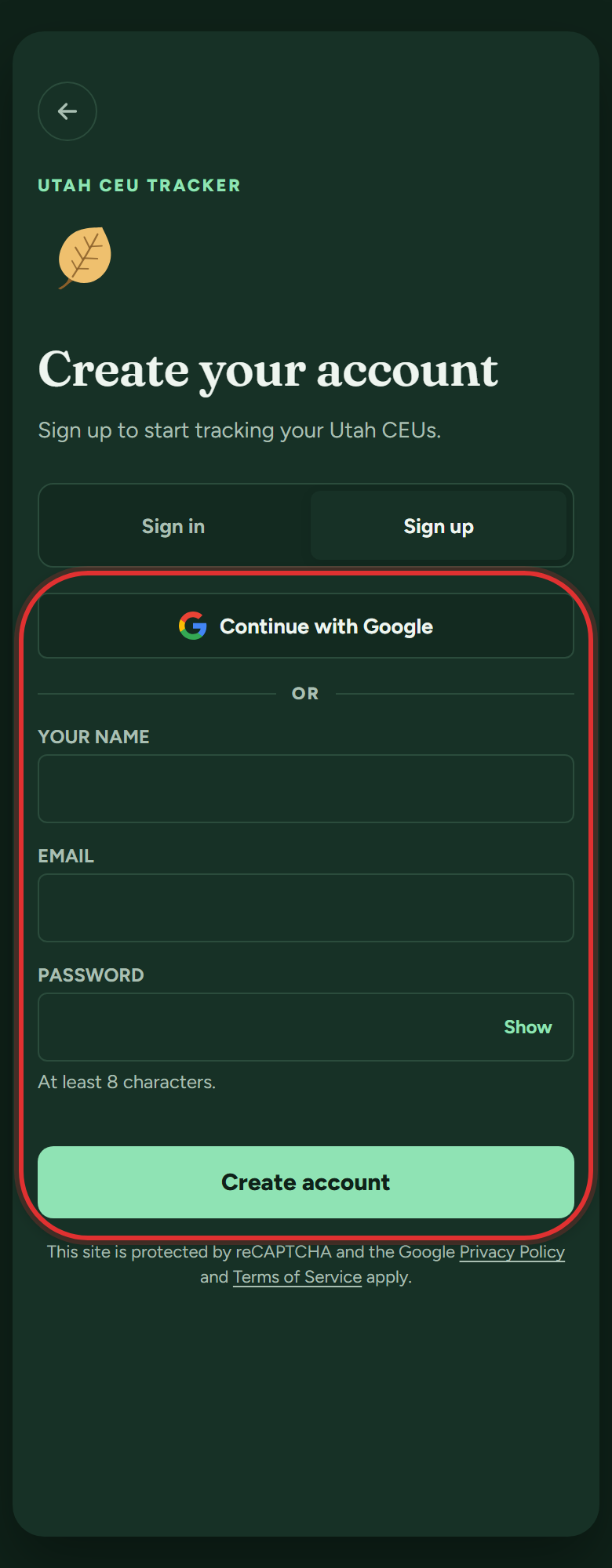
- Continue with Google, or enter your name, email and a password and tap Create account. With email, a confirmation message arrives; tap the link in it.
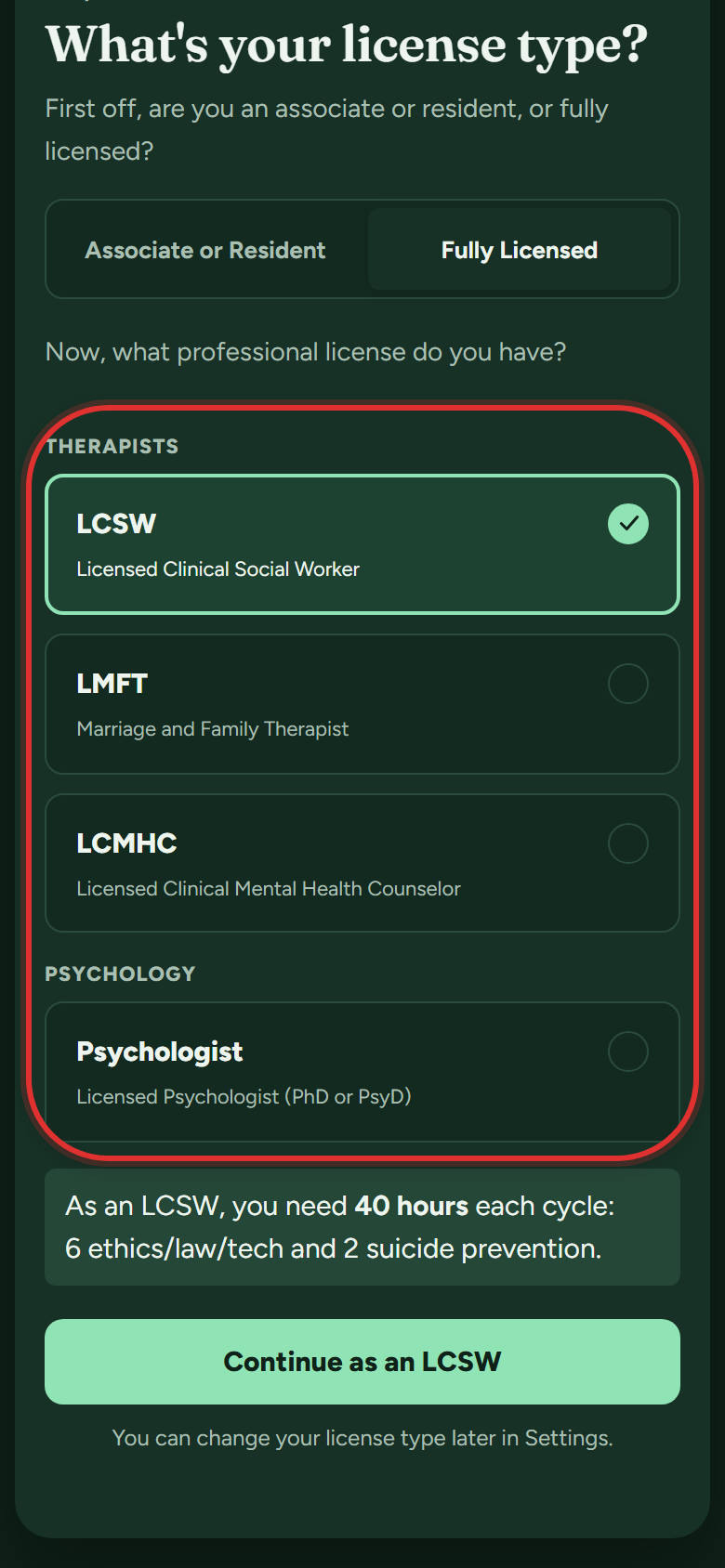
- Pick your license type. The app sets up that license's exact requirements.
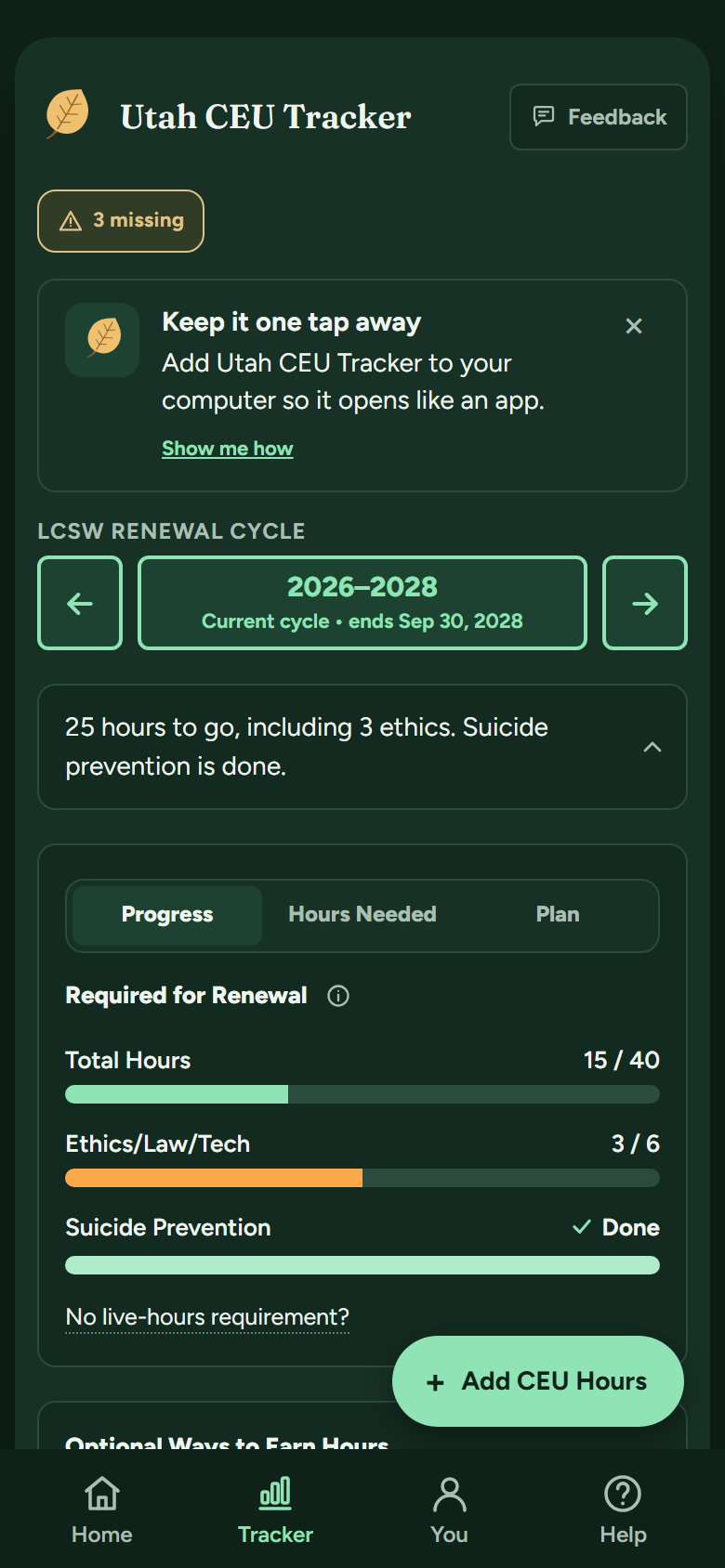
- Answer the short setup questions (when you were licensed, whether you supervise) and pick a color. You land on your tracker with a 30-day Premium trial already running.
Should I sign up with Google or with my email?
Either works, and you can switch later from the Account page without losing anything. One tip from practices: use your personal email rather than a work one, so your CE history stays yours if you change jobs.
Can I switch from email sign-in to Google later (or the other way)?
Yes, and all your hours and certificates stay put:
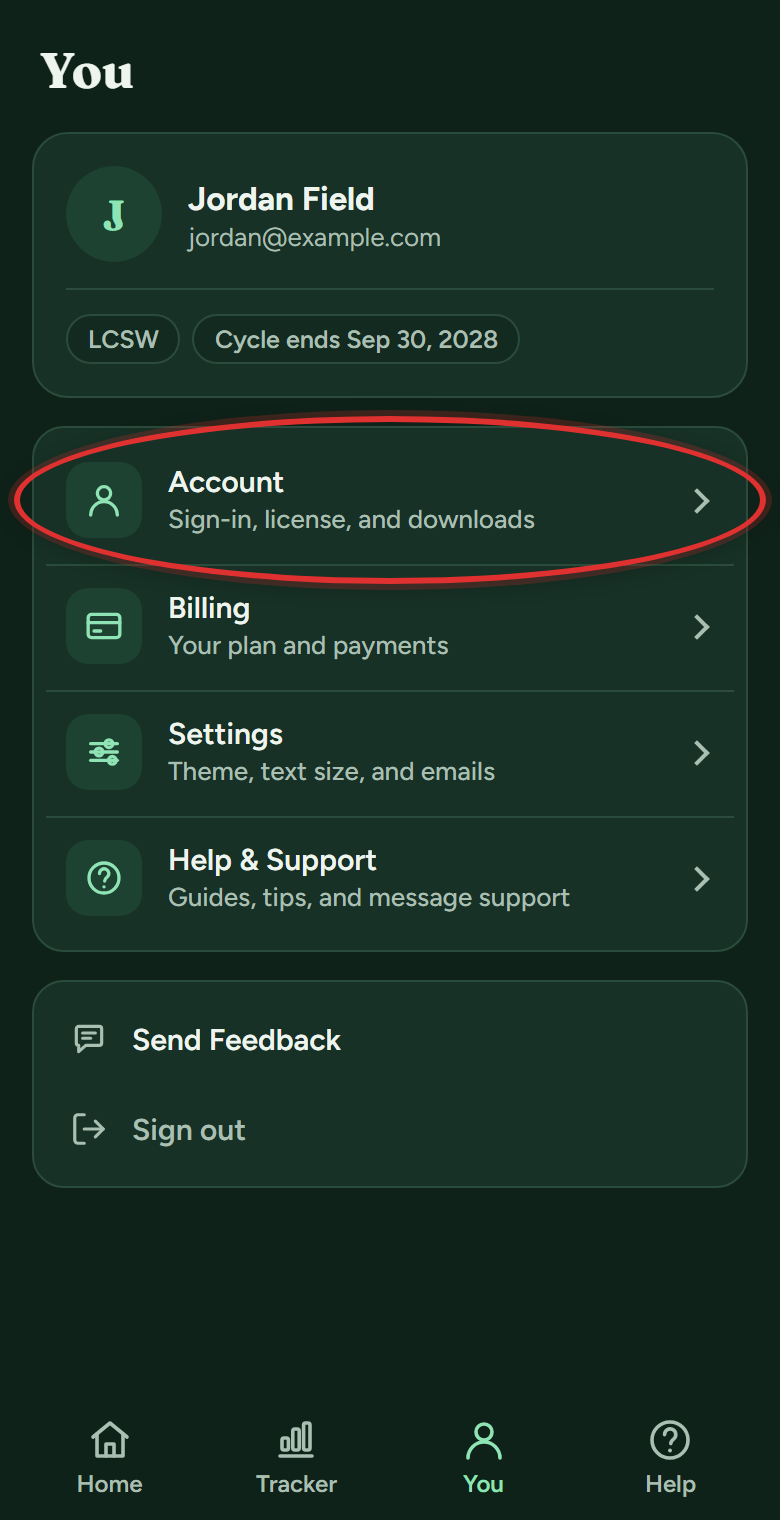
- Tap You in the bottom bar, then Account.
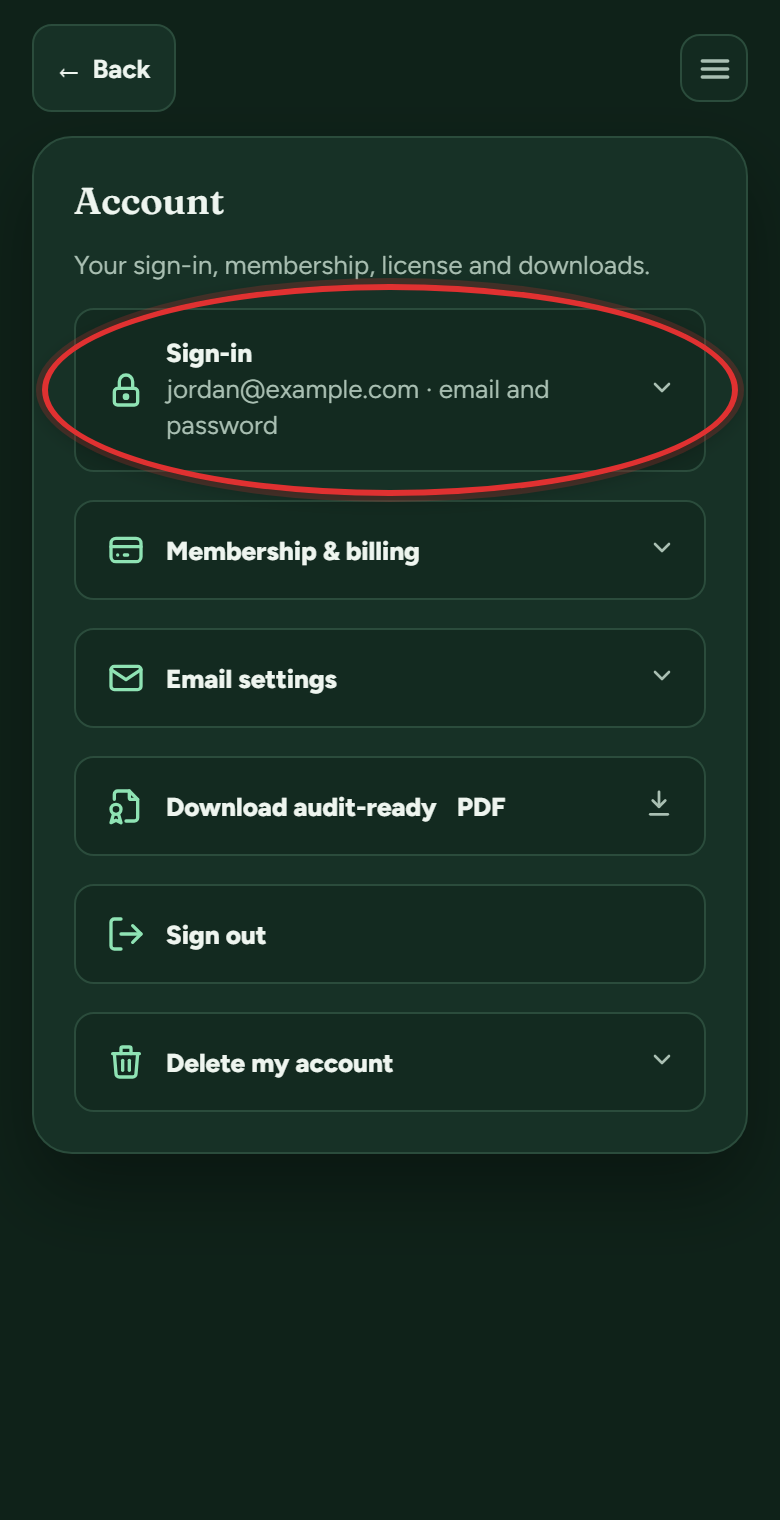
- Open the Sign-in section at the top.
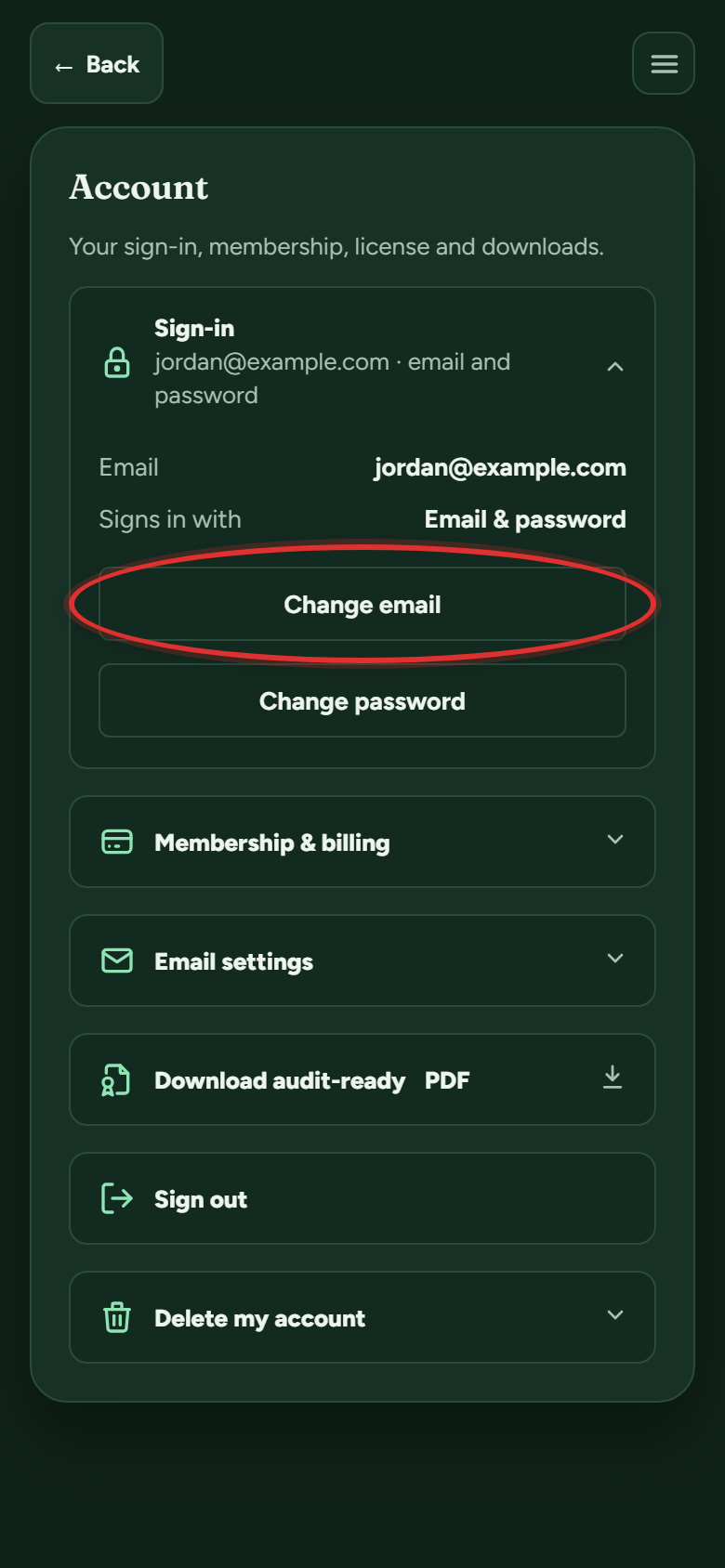
- Use the buttons there: Change email and Change password on an email account, or the matching options when you sign in with Google. The app proves you own the new sign-in first: a code to the new address, or a sign-in to the Google account.
I forgot my password. How do I reset it?
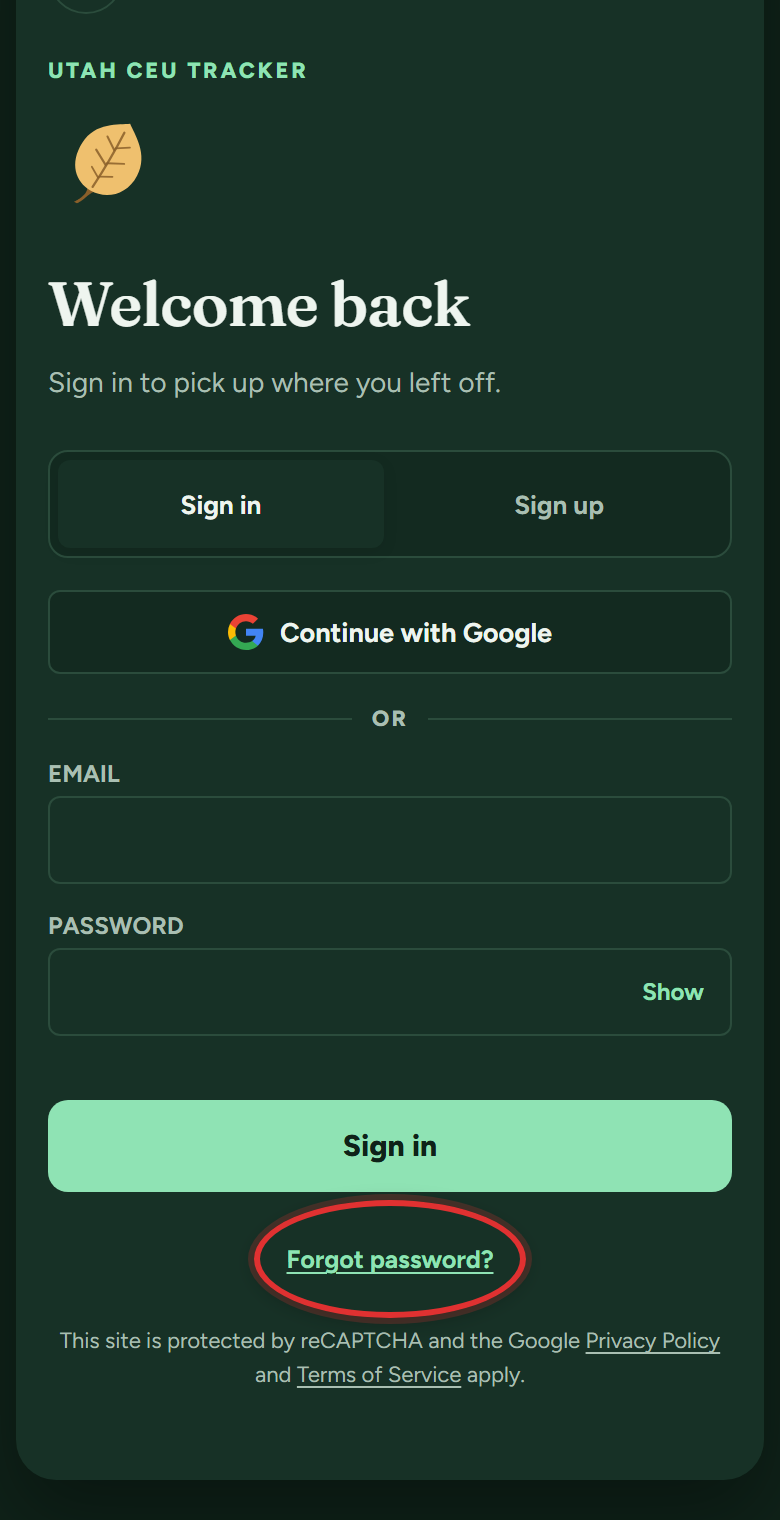
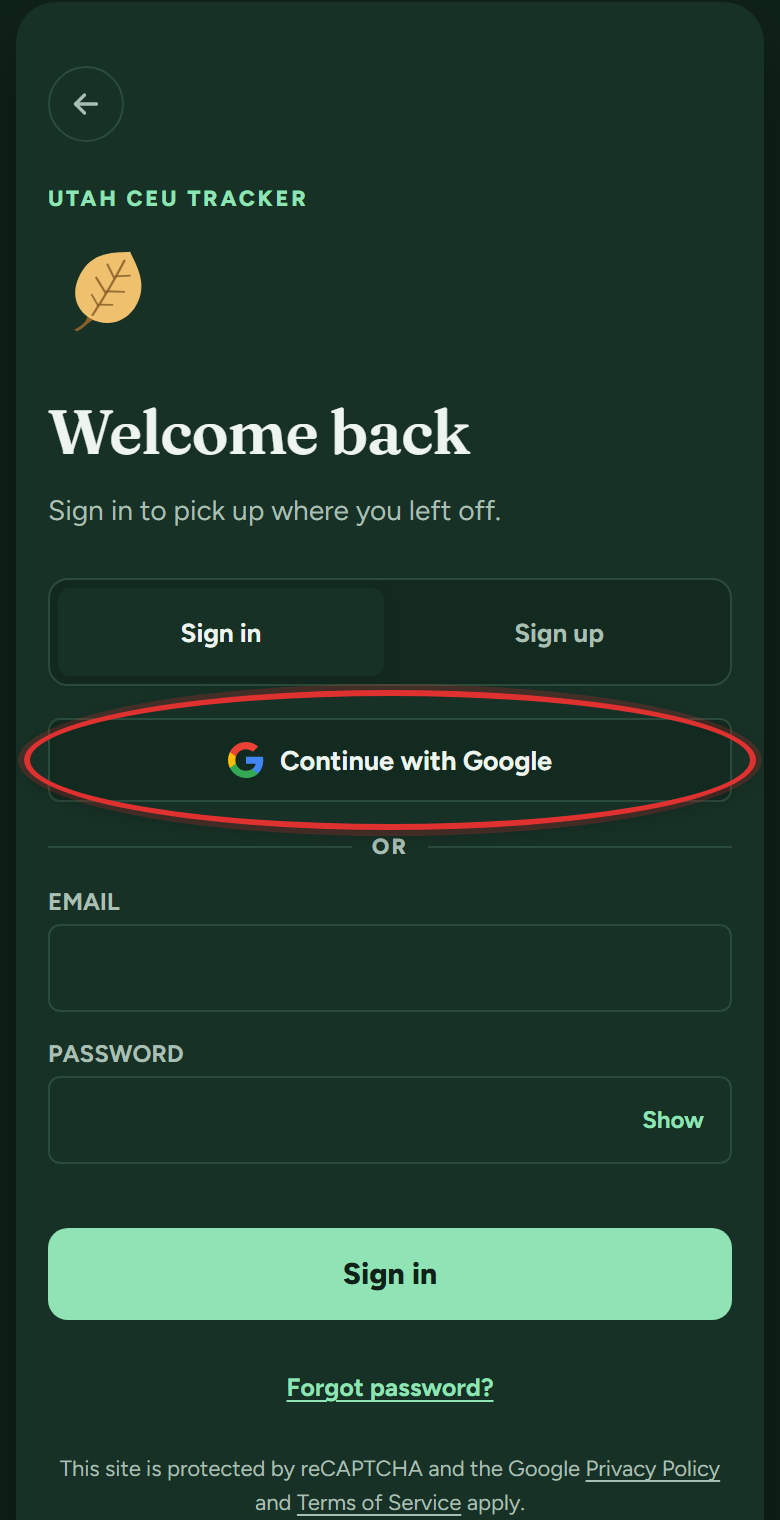
- On the sign-in screen, tap Forgot password? under the password box.
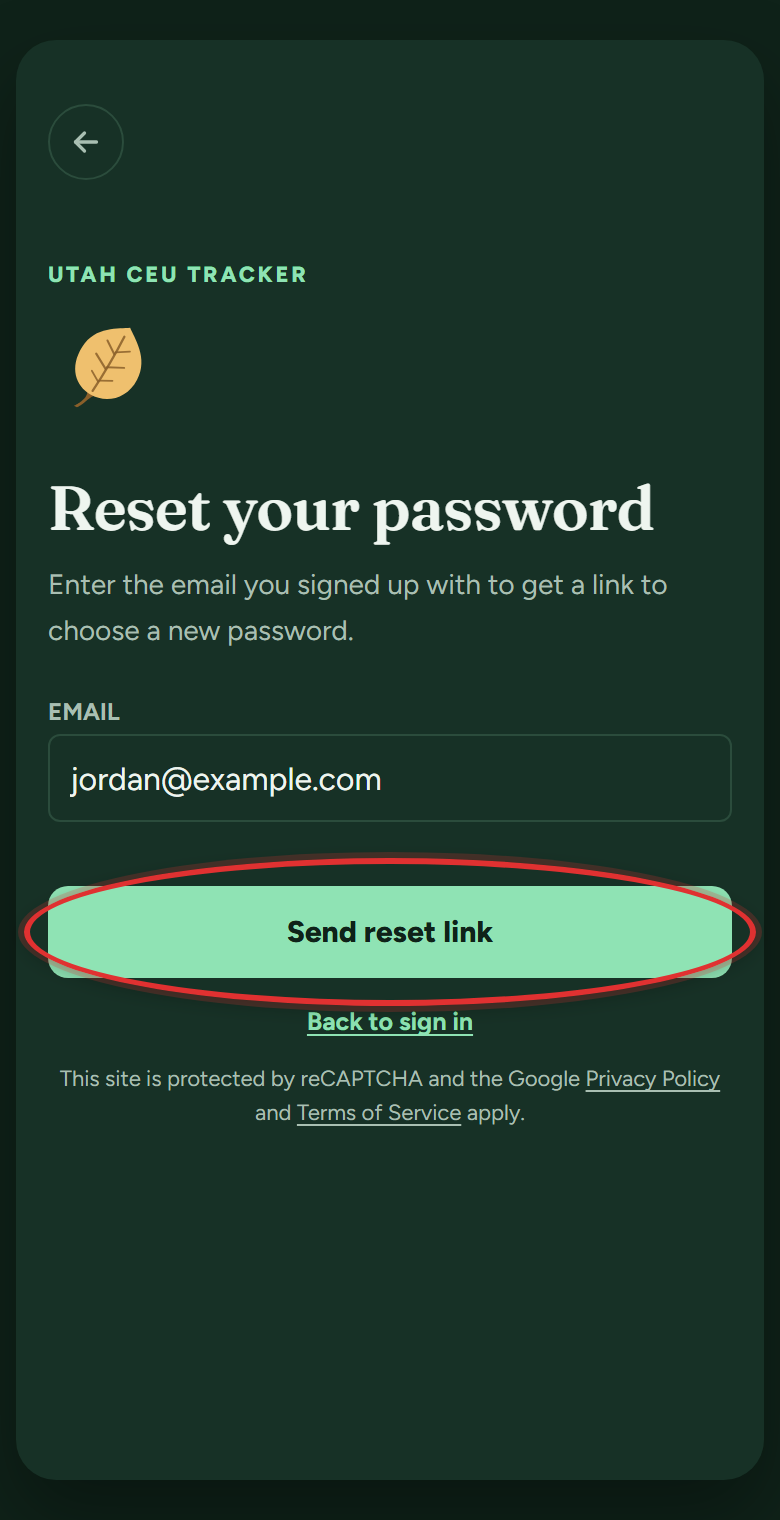
- Enter the email you signed up with and tap Send reset link. A link arrives by email within a minute (check spam too). Open it, choose a new password, then sign in with it.
Signed up with Google? There is no app password to reset: tap Continue with Google on the sign-in screen instead.
I signed up but never got the confirmation email.
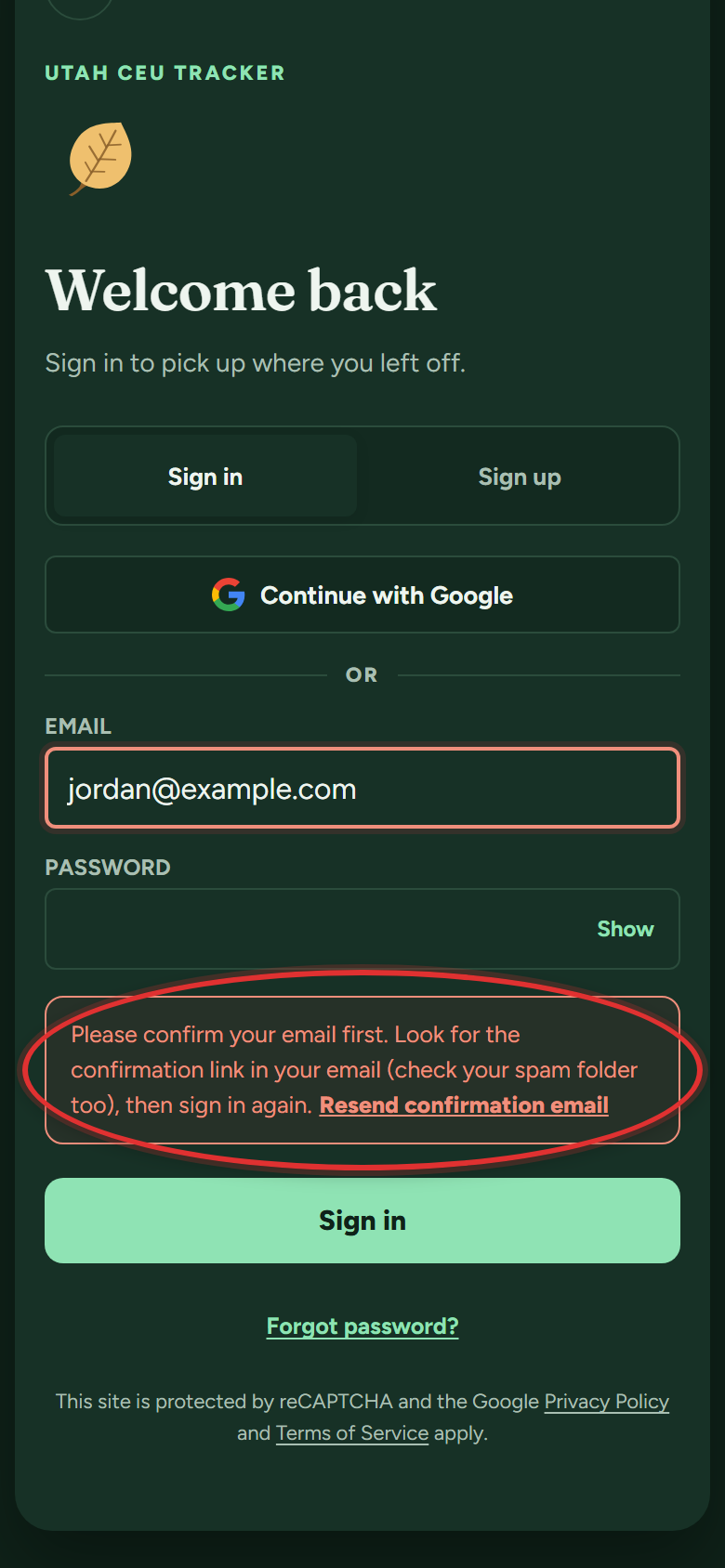
Check spam and promotions first. Still nothing? Send it again:
- Sign in with your email and password. The app says "Please confirm your email first" and offers Resend confirmation email right there. Tap it.
If it still does not arrive, email support at support@utahceutracker.com with the address you signed up with.
Your license
Which licenses does the app support?
Every Utah mental health therapy license:
- LCSW and CSW
- LMFT and AMFT
- LCMHC and ACMHC
- Licensed psychologists and certified psychology residents
The app sets up the right hour requirements for whichever one you pick.
What if my license type changes mid-cycle, like CSW to LCSW?
- Tap You in the bottom bar, then Settings.
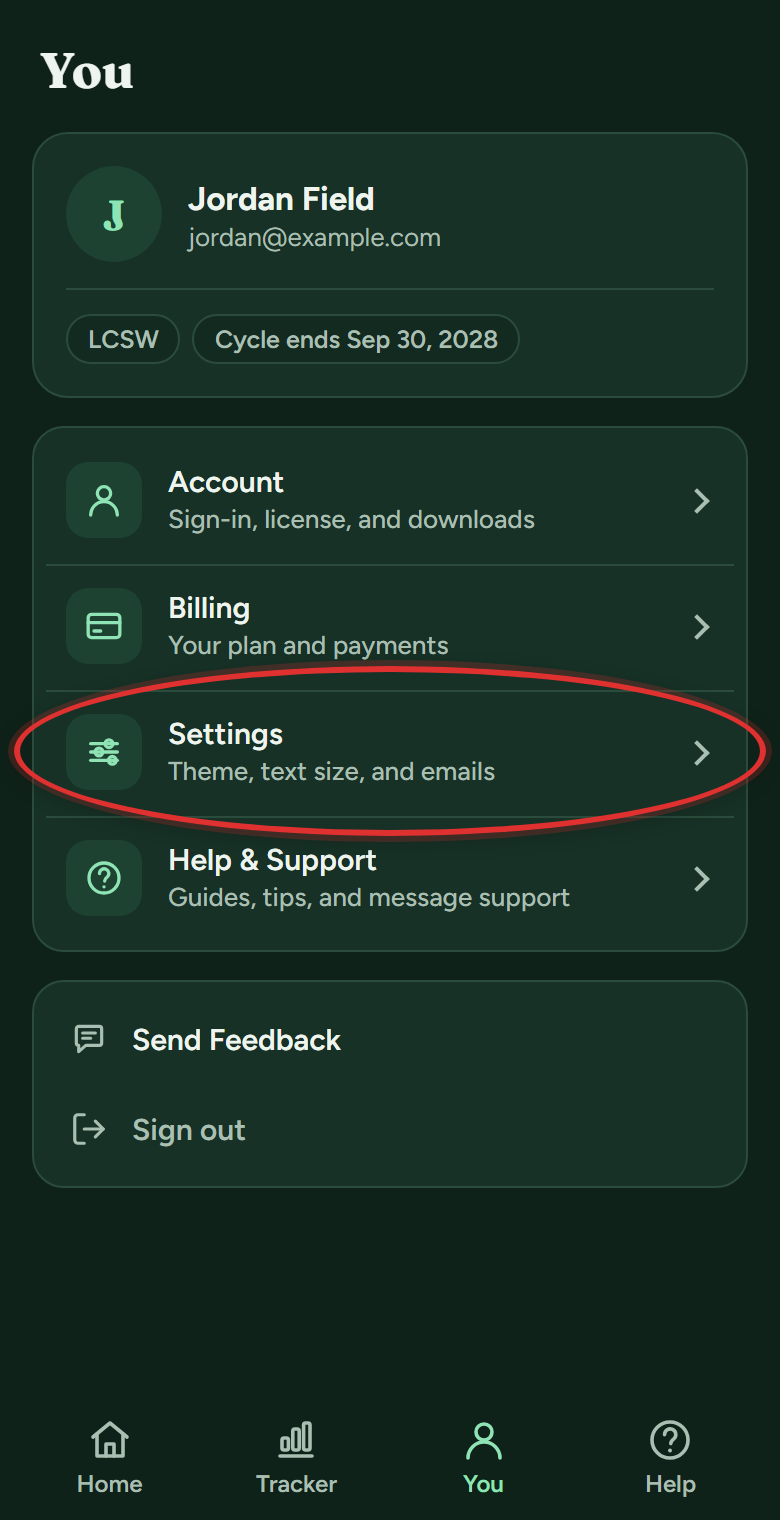
- Open the License section at the top and pick your new license from the list.
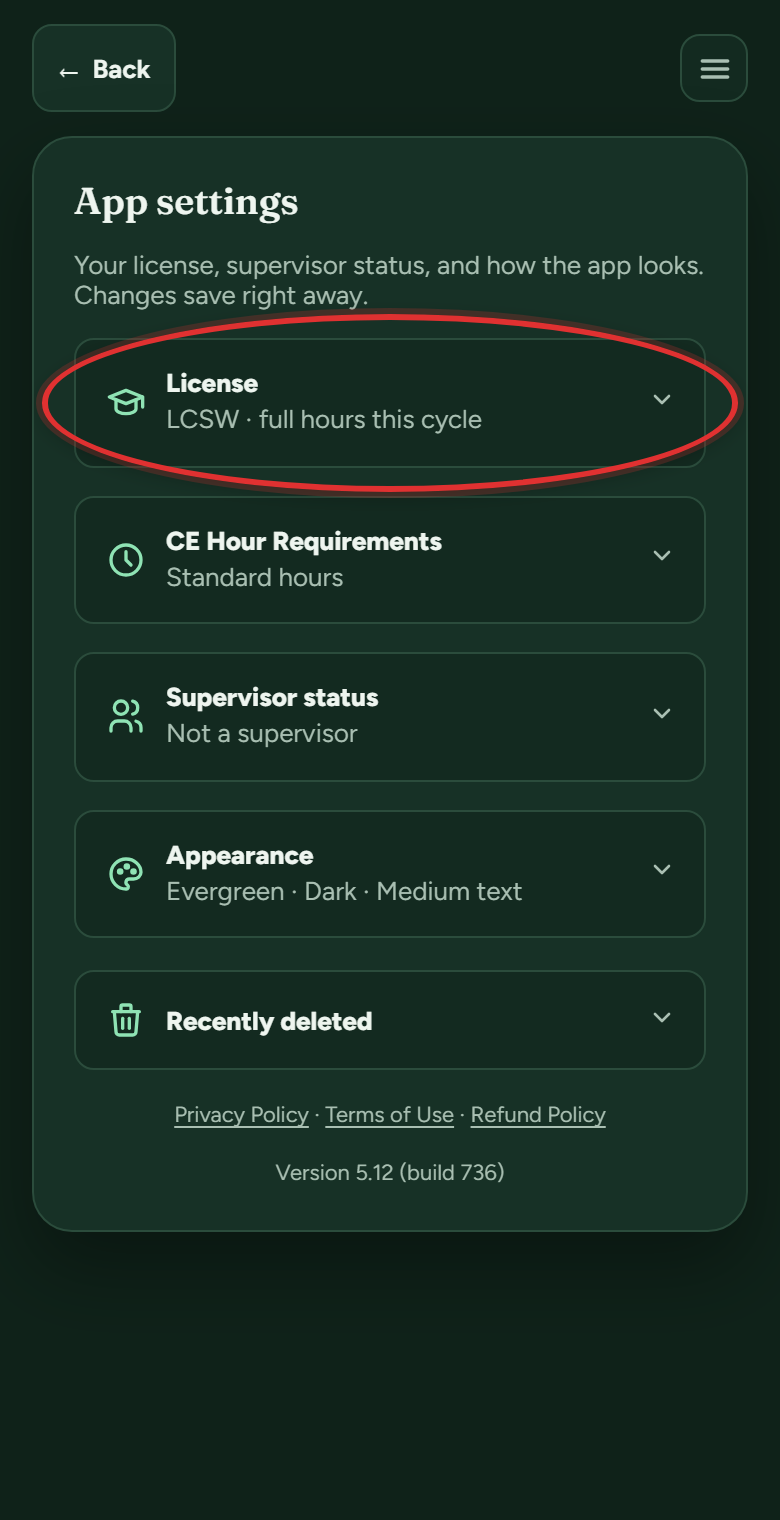
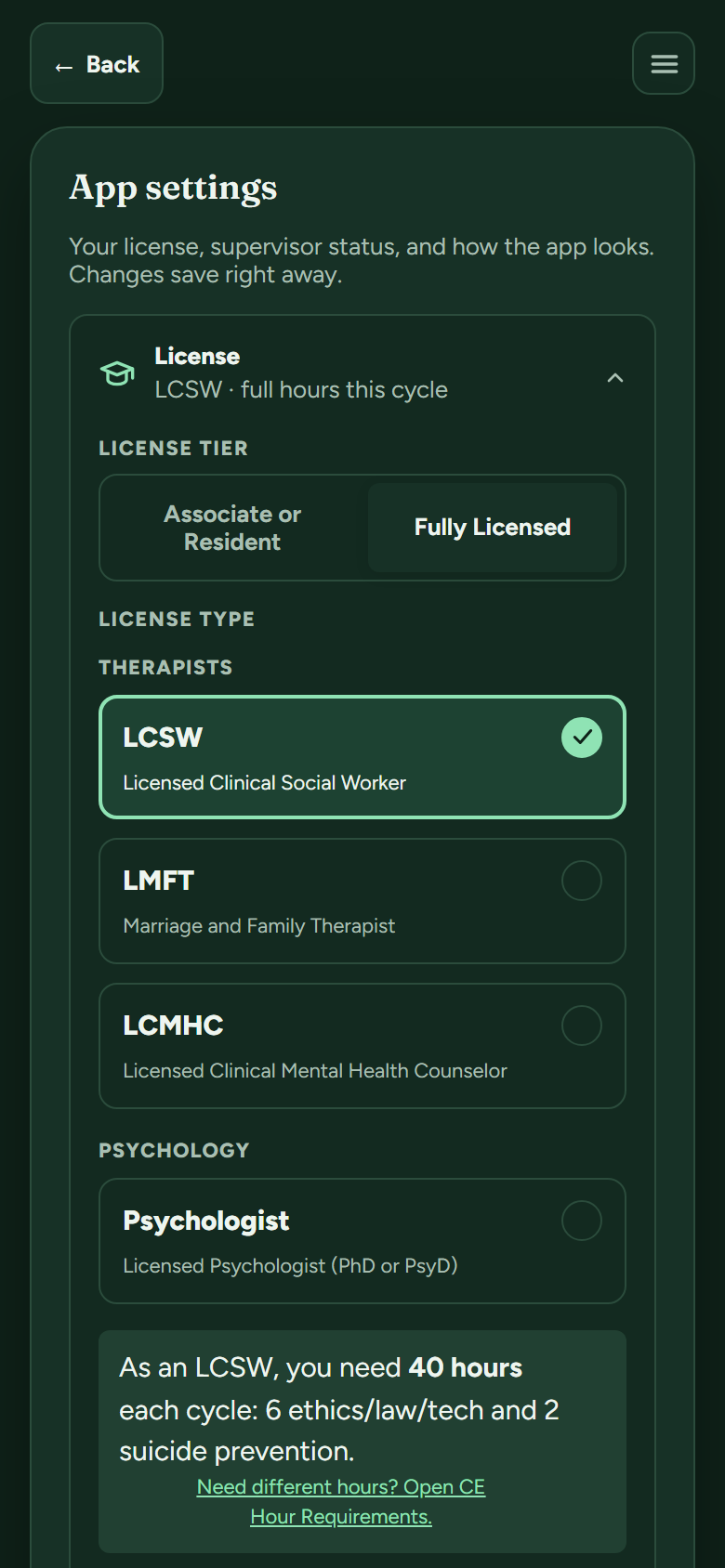
- Enter when the change happened and tap Save. The app keeps a License history, so a cycle that straddled two licenses counts month by month under each one. Your old cycles stay exactly as they were.
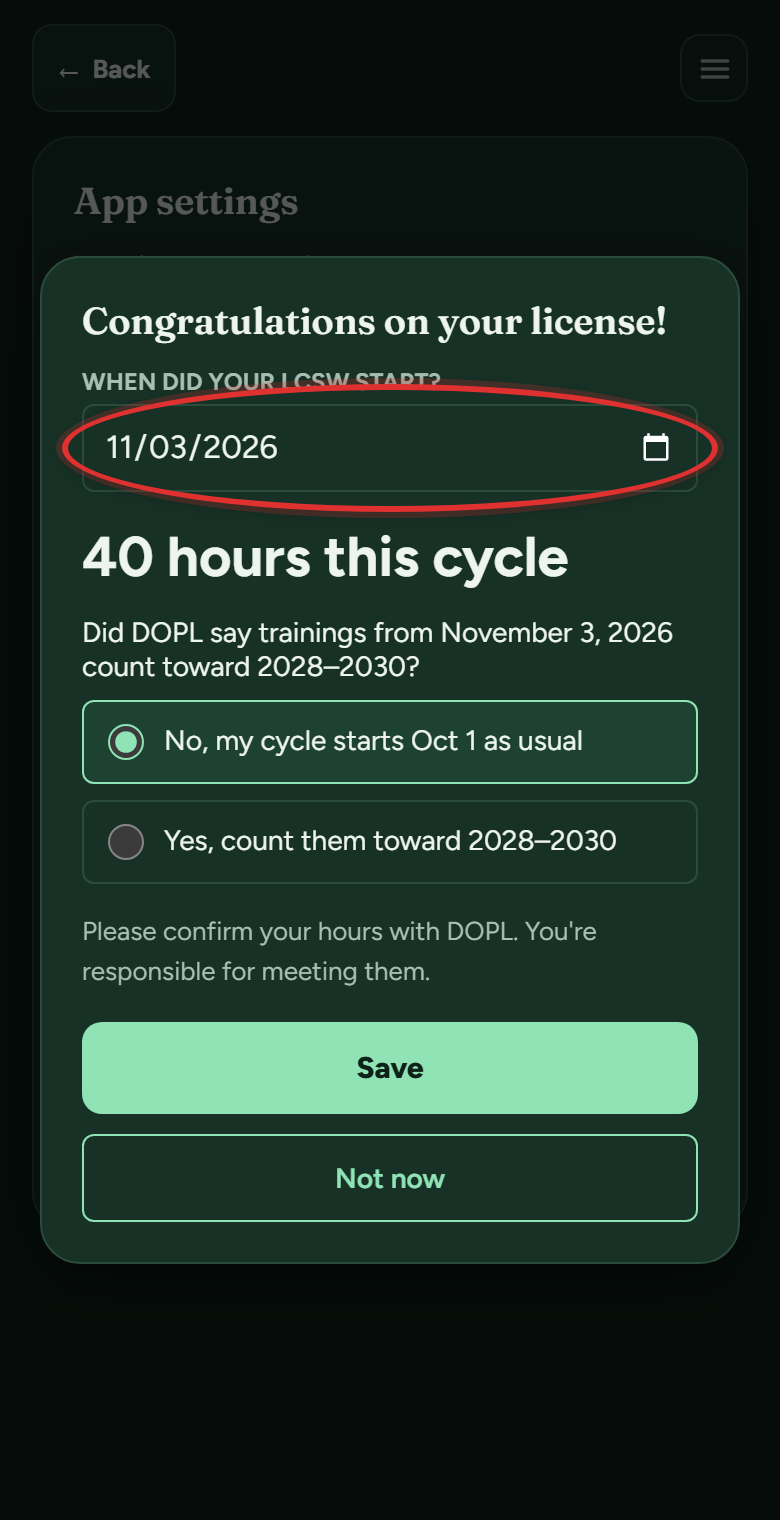
I was just licensed partway through a cycle. Do I owe the full hours?
No. A partial first cycle is prorated by the months you held the license, and the month you were licensed counts as a whole month:
- Master's licenses (LCSW, CSW, LMFT, AMFT, LCMHC, ACMHC): about 1.6 hours per licensed month, out of the full 40
- Psychologists: about 2 hours per licensed month, out of the full 48
- Psychology residents: about 1 hour per licensed month, out of the full 24
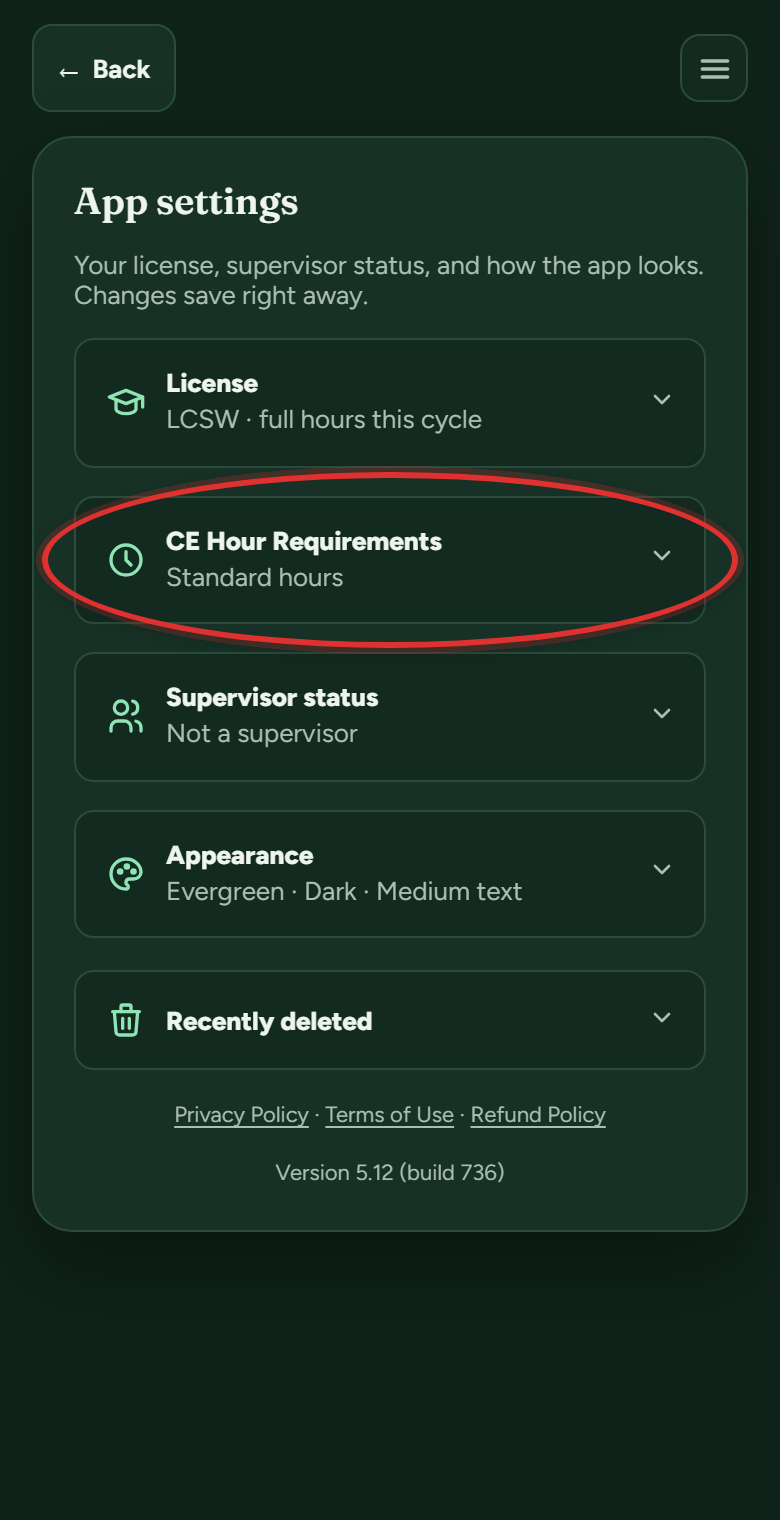
Tell the app your license date during setup (or later in Settings, under CE Hour Requirements) and it works out the right target, ethics included. If DOPL gives you different numbers for your situation, you can enter those instead.
Is this app affiliated with DOPL?
No. Utah CEU Tracker is a personal tracking tool built by a Utah therapist. It is not affiliated with or endorsed by DOPL, and DOPL always has the final word on what counts toward your license. Their number is (801) 530-6628.
On your devices
How do I put the app on my phone?
iPhone or iPad (Safari):
- Open utahceutracker.com in Safari.
- Tap the Share button (the square with an arrow). Don't see it? Tap the ••• button first, then Share.
- Scroll down and tap Add to Home Screen. Not in the list? Tap Edit Actions at the bottom and add it.
- Leave Open as Web App on, then tap Add.
Android (Chrome):
- Open utahceutracker.com in Chrome.
- Tap the ⋮ menu at the top right.
- Tap Install and create shortcut (on some phones it says Install app or Add to Home screen), then Install.
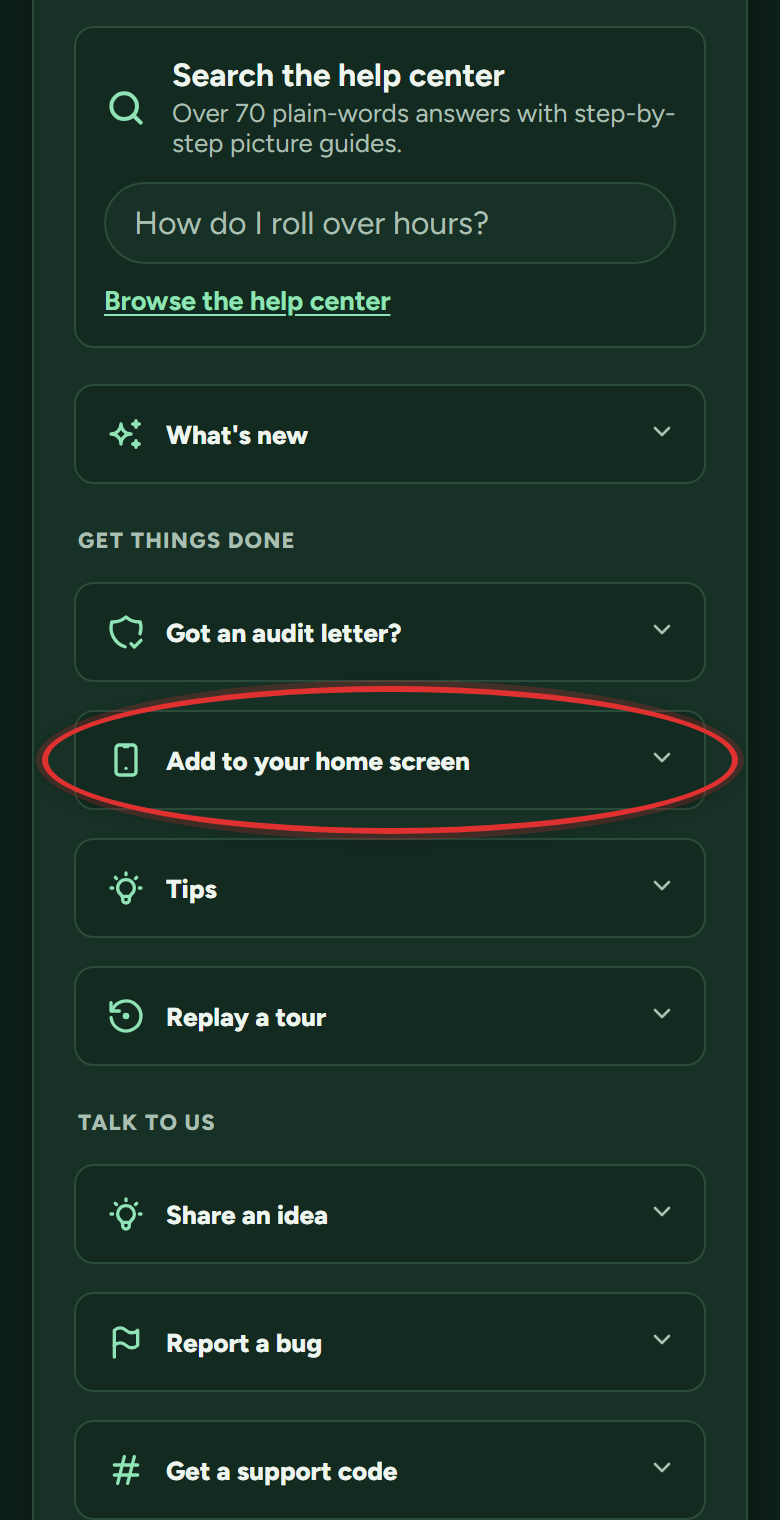
The leaf icon lands on your home screen and opens full screen like any app. Steps for other browsers and computers are in the app under Help & Support, Add to your home screen; it shows your own device first.
Does it work on my computer too?
Yes. It is the same account everywhere, so you can snap a certificate with your phone at a training and do your bigger reviews on a computer. Everything syncs through your account.
Does it work offline?
Mostly. You can open the app and read your hours offline, and changes you make save to your account when you are back online. Uploading certificates needs a connection.
What is the guided tour, and can I replay it?
The tour walks the main screens the first time you arrive, and you can rewatch it any time:
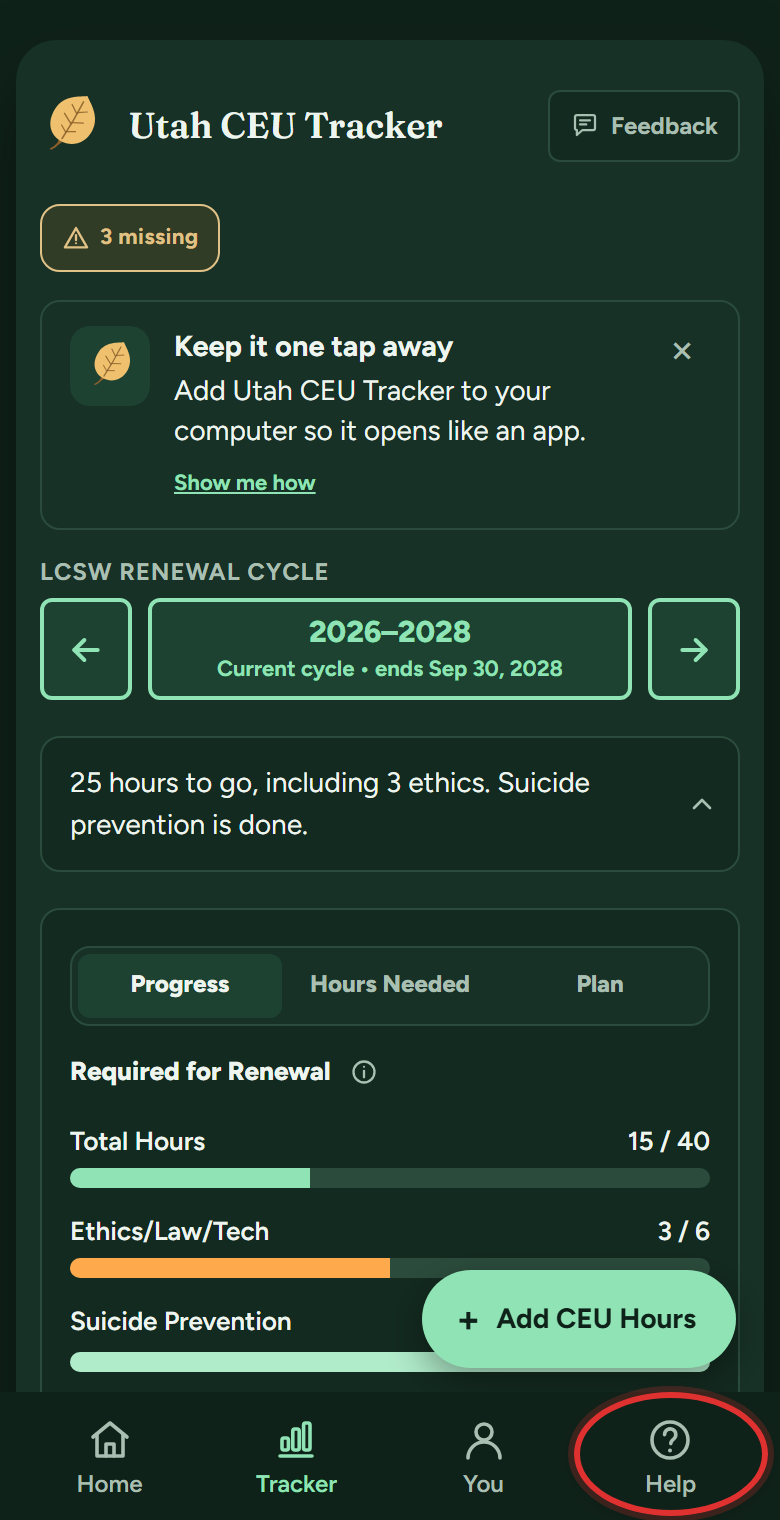
- Tap Help in the bottom bar (on a computer, Help & Support in the left menu).
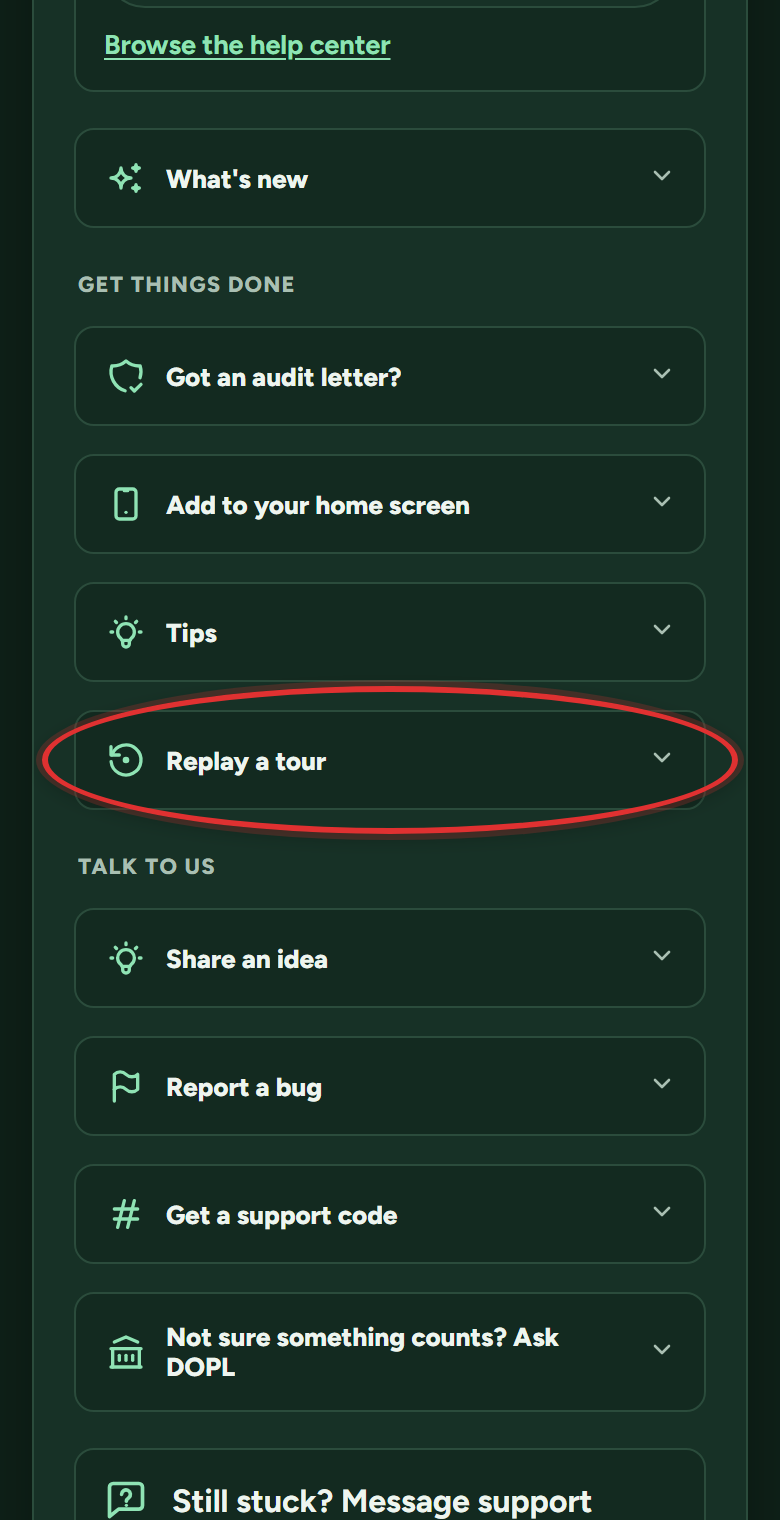
- Scroll to Replay a tour near the bottom and open it.
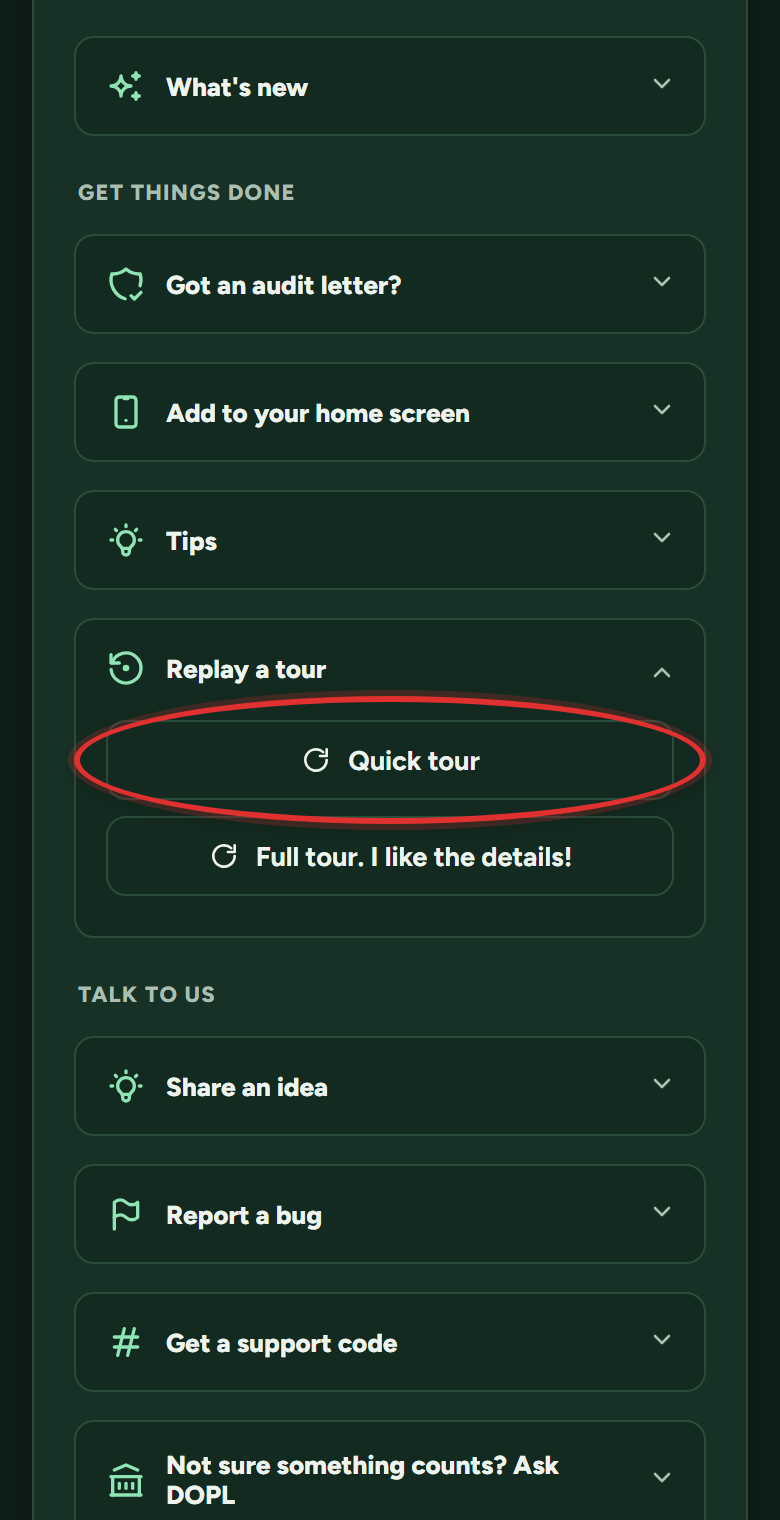
- Pick Quick tour for the short version or Full tour for every detail.
Still stuck? Message support
In the app: Help & Support (on a phone, the Help button in the bottom bar), then Message support. Answers arrive in the app and in your email. Or email support@utahceutracker.com.
Message support