Help center / Certificates and audits
Certificates and audits
Keeping proof, and being ready if DOPL ever asks.
Certificates
How do I attach a certificate?
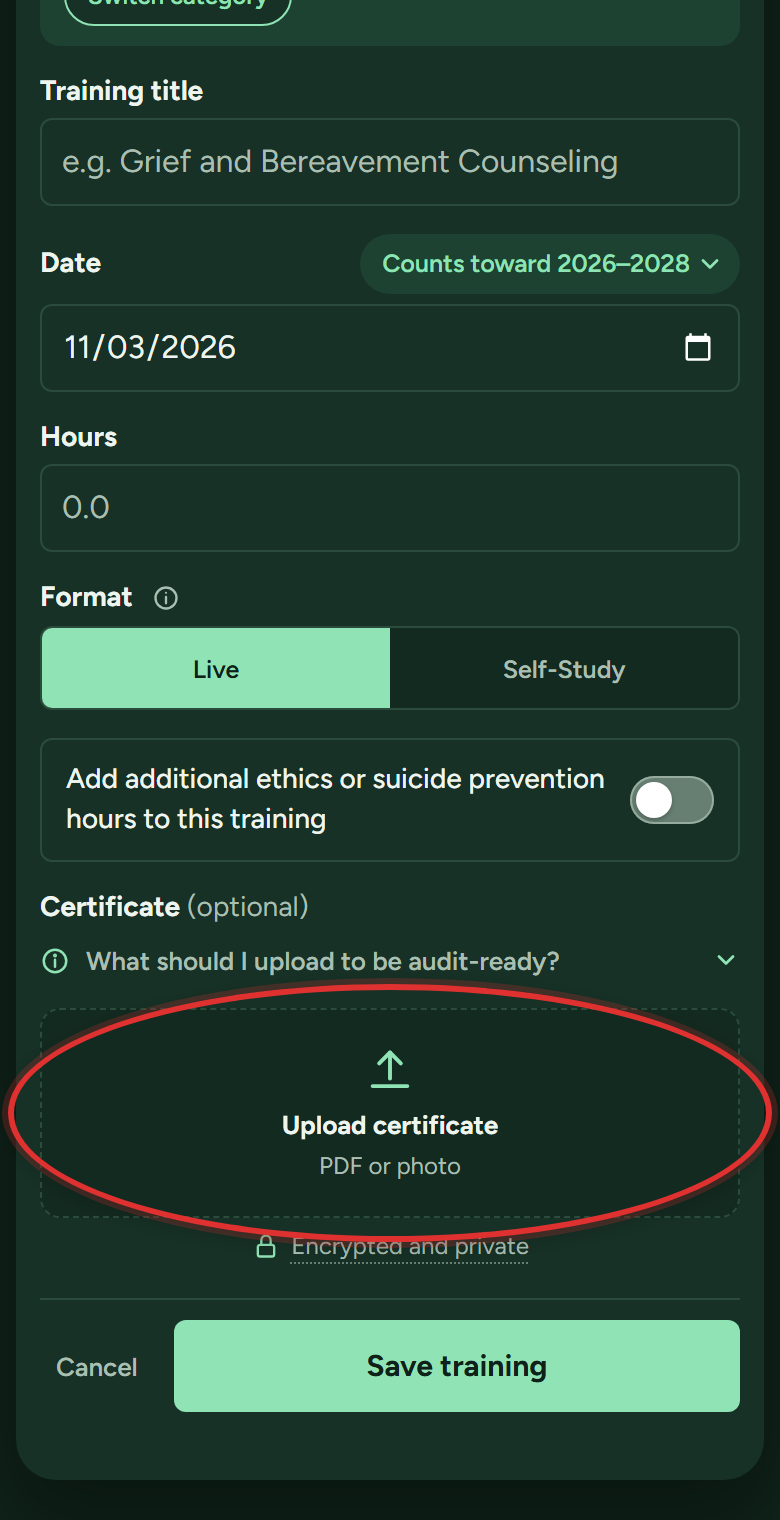
- While adding (or editing) the training, scroll to Certificate (optional) near the bottom of the form and tap Upload certificate. Pick the file, or snap a photo of the paper certificate right there with your phone.
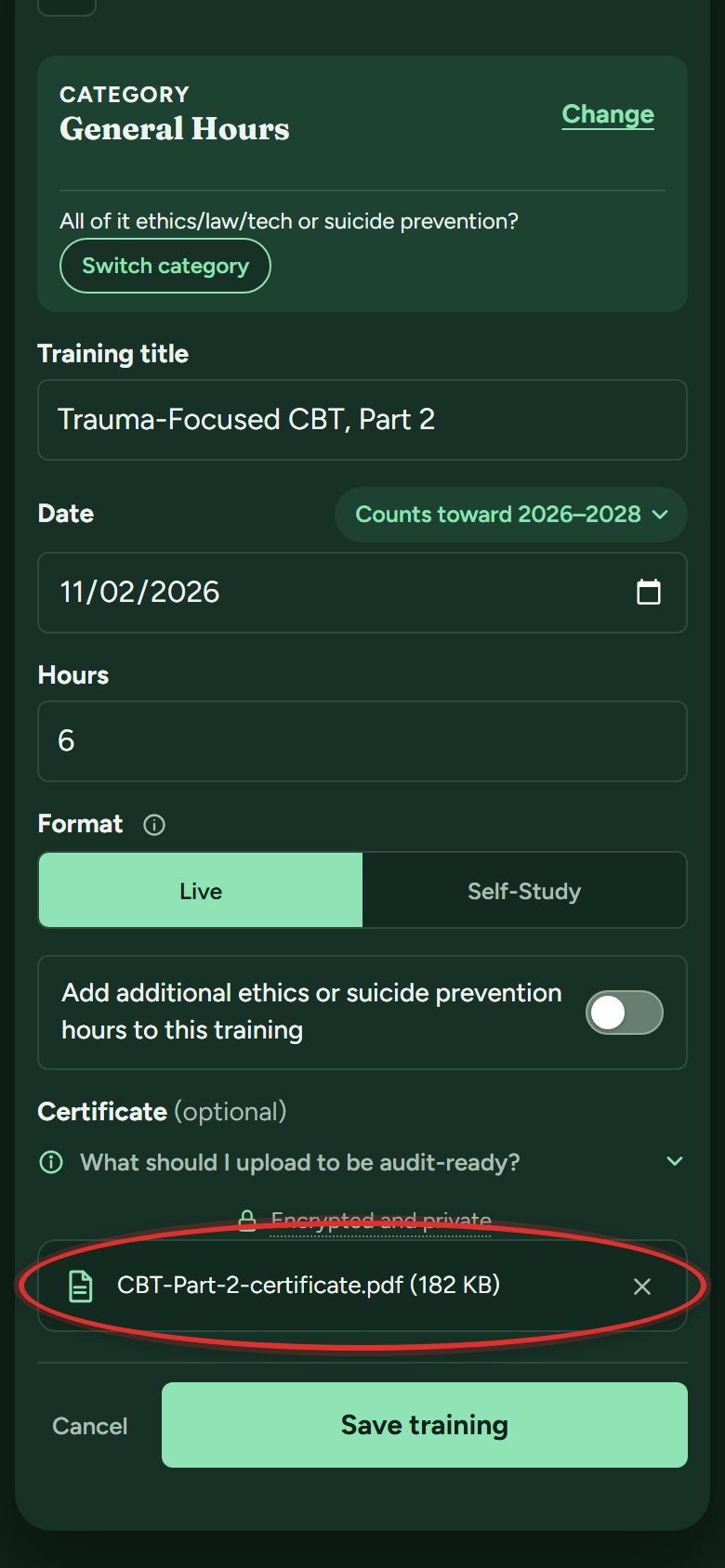
- The upload box turns into a small bar with the file's name. Picked the wrong one? Its X takes it off.
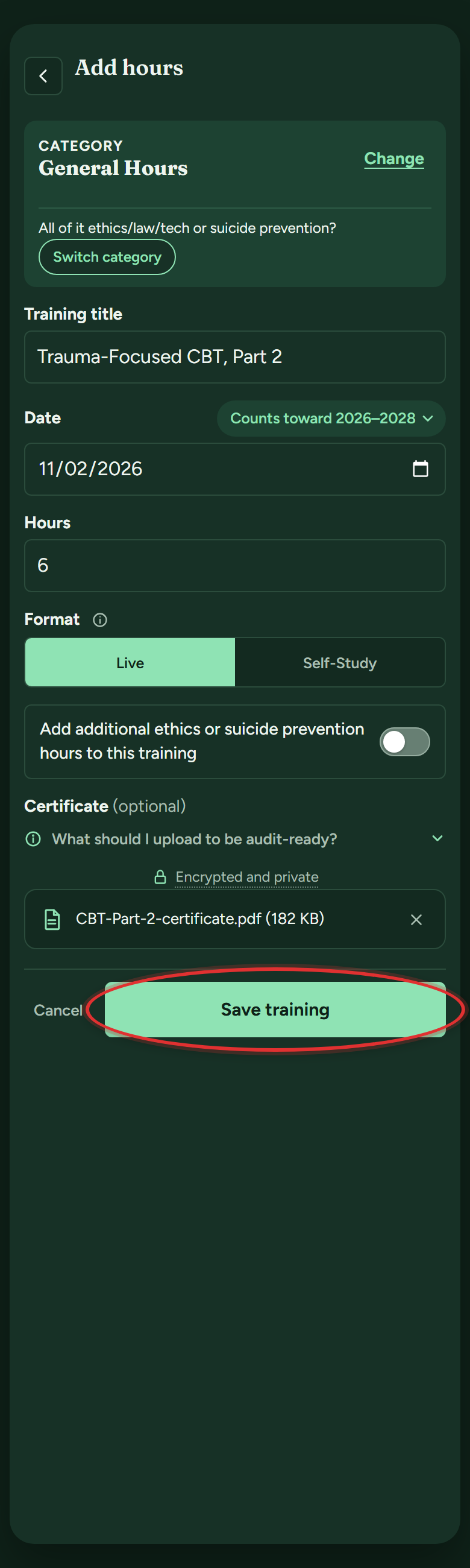
- Tap Save training. The certificate stays filed with that training, encrypted and private.
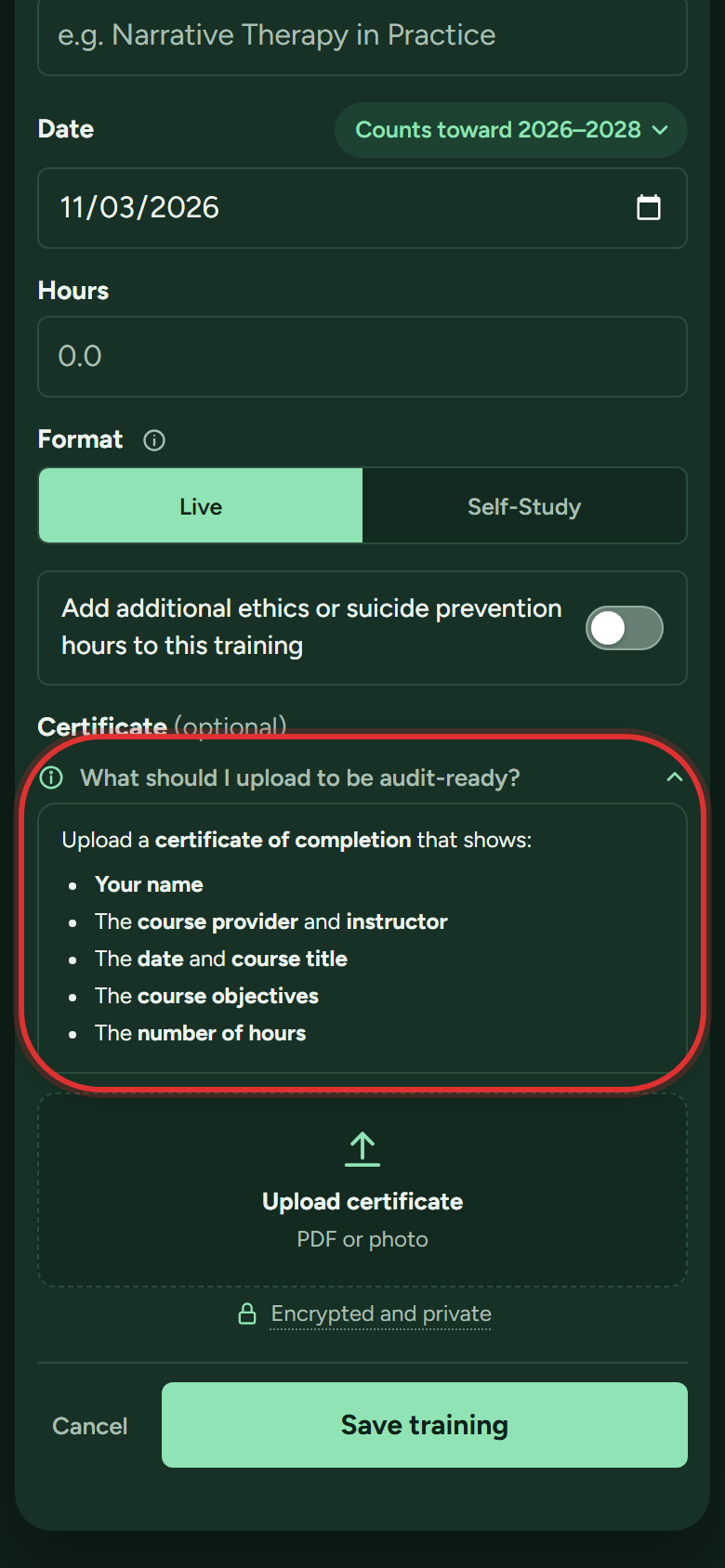
Not sure what counts as proof? Tap What should I upload to be audit-ready? just above the upload box; it lists what DOPL expects for that kind of training.
How many certificates can I upload?
Premium: unlimited. The free plan includes 1 new certificate upload per cycle, and everything you have already saved stays viewable and downloadable on any plan, always.
How long are my certificates stored?
As long as you have your account, on any plan. DOPL can ask for proof for a while after a cycle ends (for master's licenses, 2 years), and your certificates stay put well past that, whatever your license.
Can I download a certificate again?
Yes, any time, on any plan:
- On My Tracker, scroll to your Training Log.
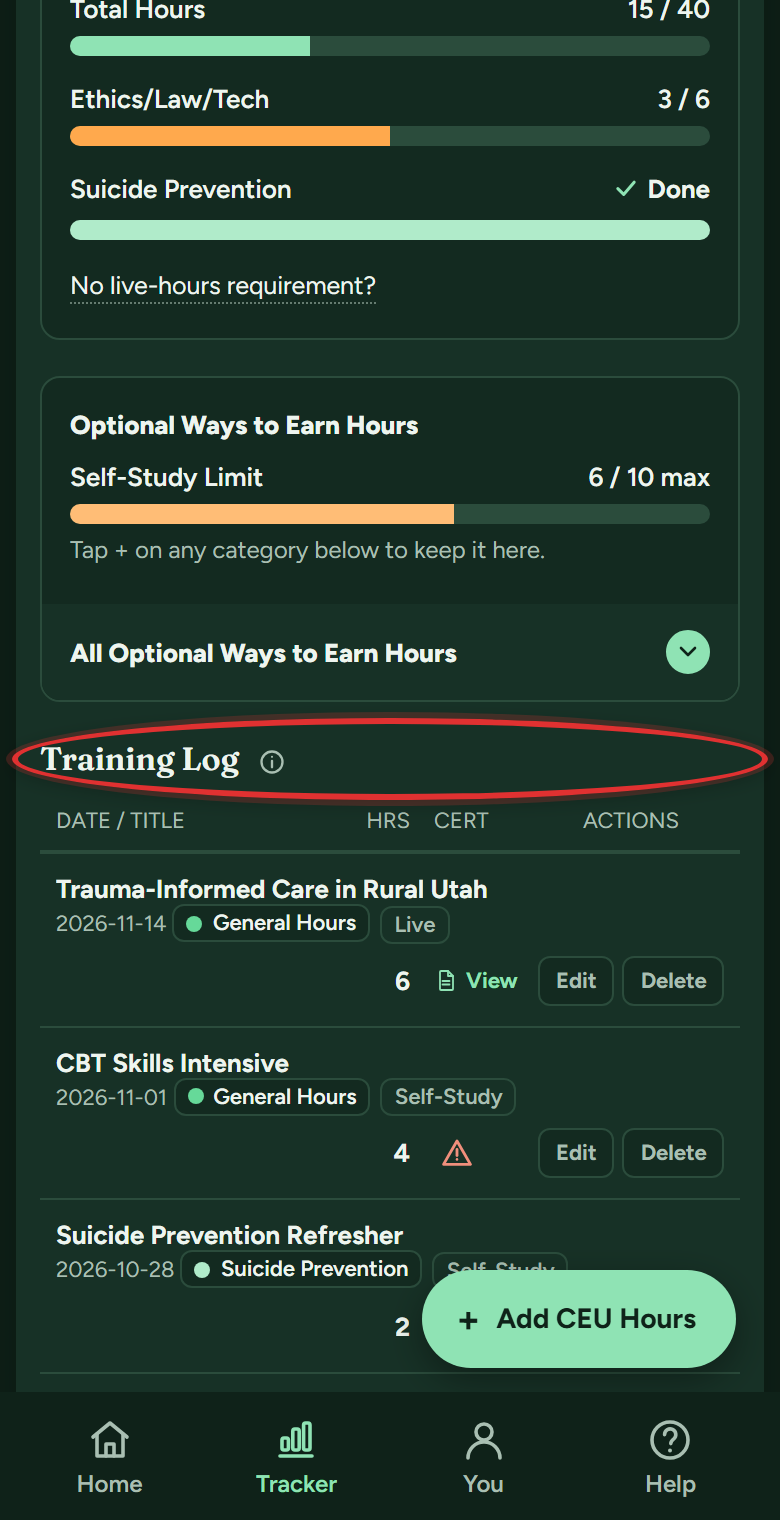
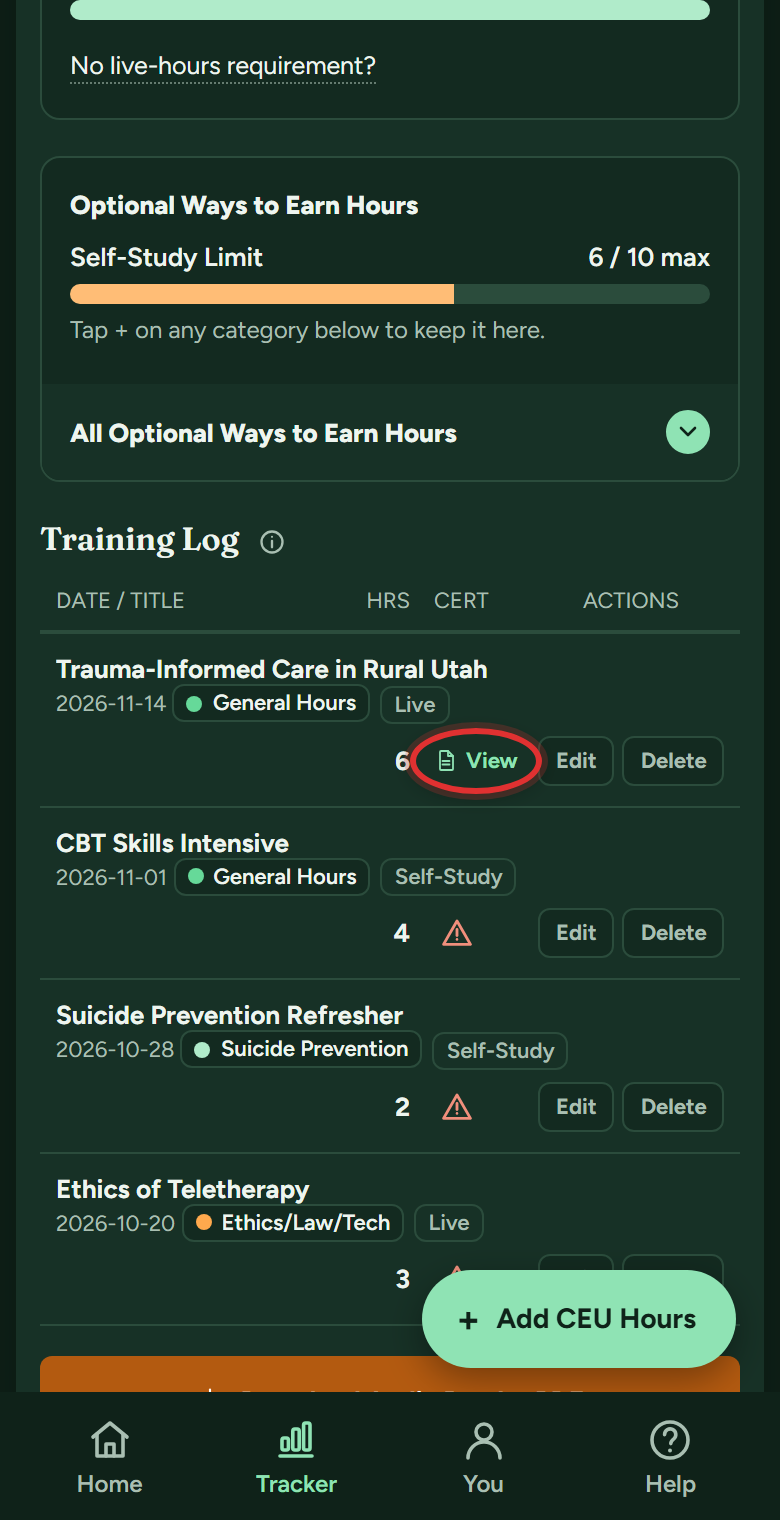
- In the CERT column, tap View on the training (a warning triangle there means no certificate is attached yet).
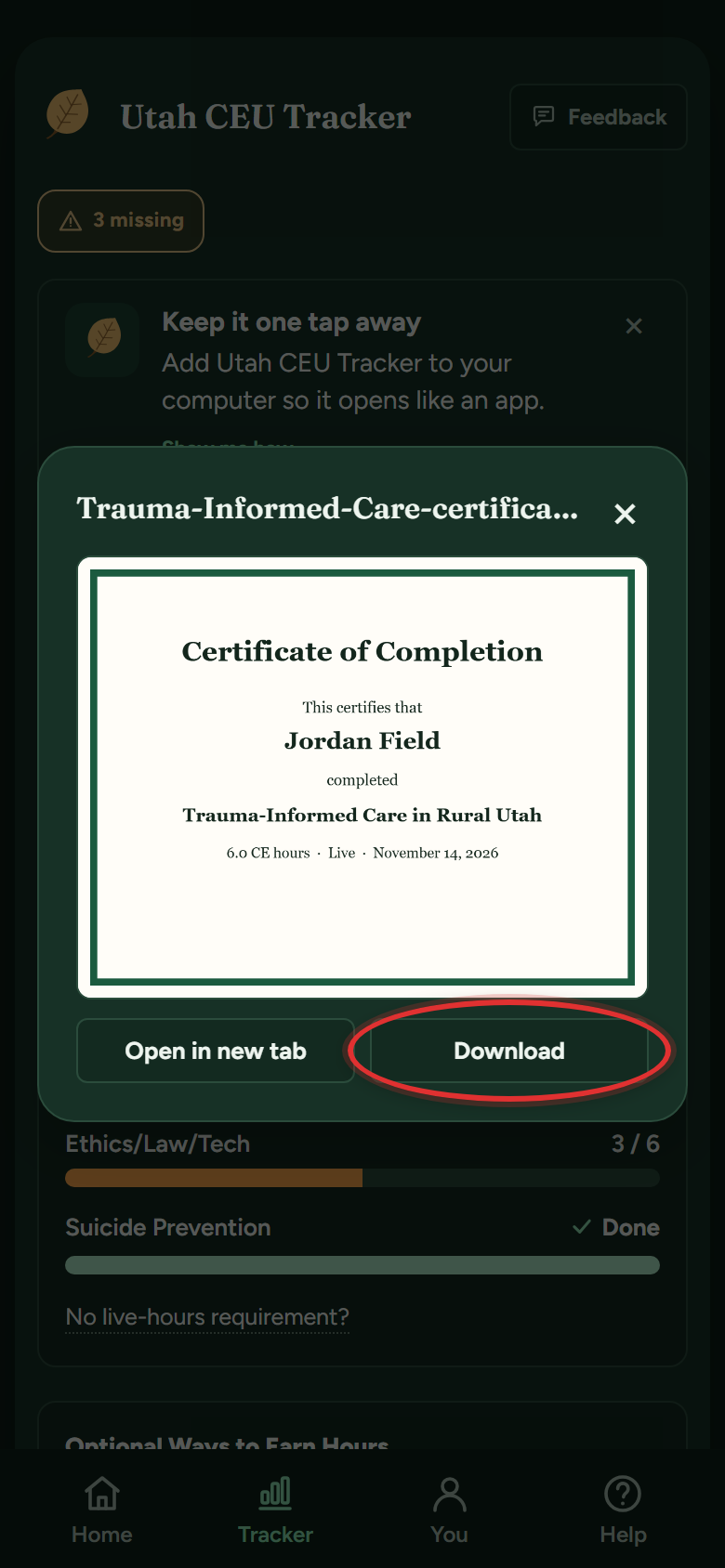
- The certificate opens. Tap Download to save a copy, or Open in new tab to print it.
If DOPL audits you
What actually happens in a DOPL audit?
DOPL asks you to show that the hours you attested to really happened: what you took, when, how many hours, and the proof. People who find audits stressful are almost never short on hours. They are short on records. If everything is logged with certificates attached, an audit is a download and an email.
What is the audit-ready PDF?
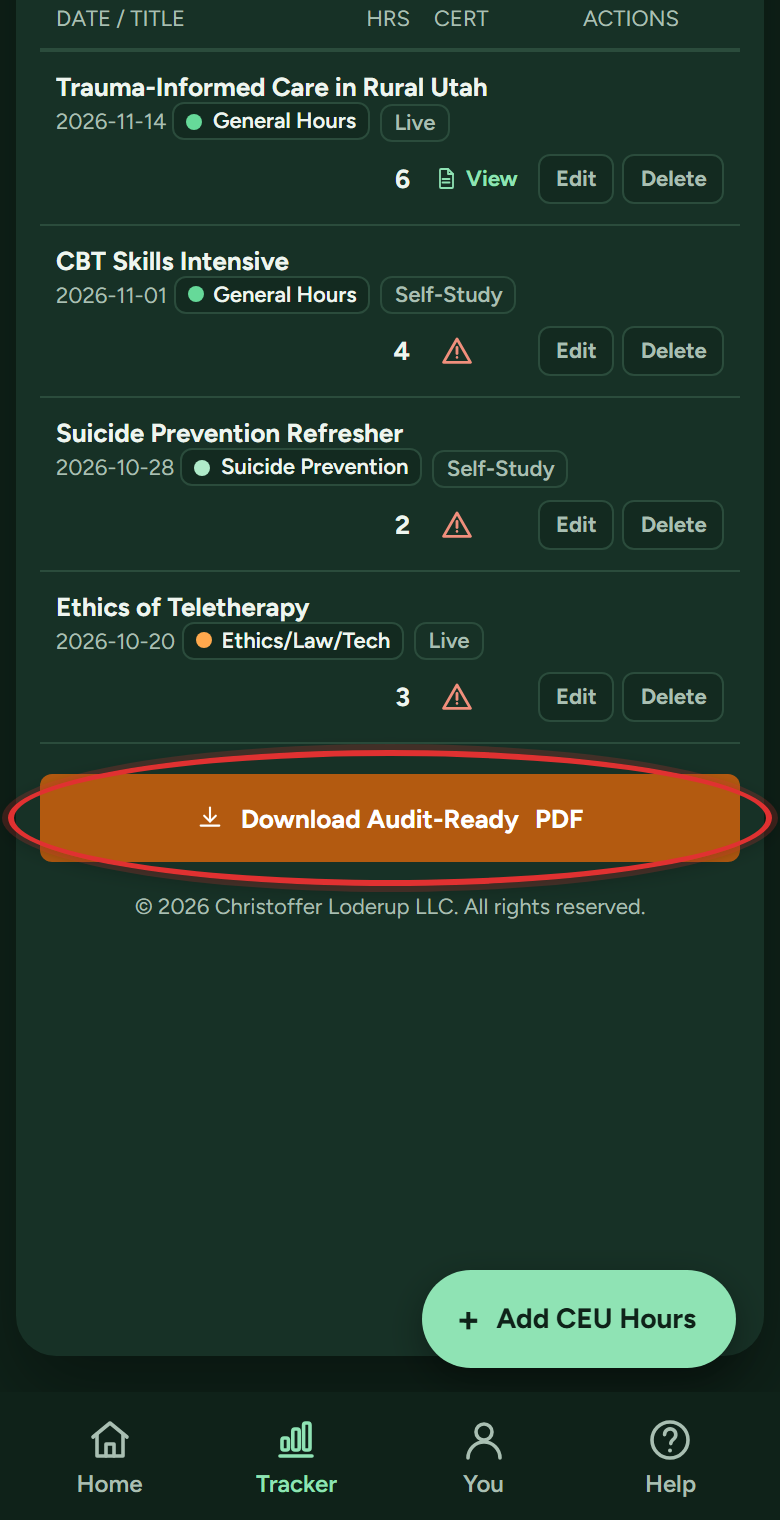
One file with your summary, your full training log, and every certificate, ready to send if DOPL asks. It is a Premium feature, and there is a sample on the sign-in page so you can see one first. To build yours:
- On My Tracker, scroll to the bottom and tap Download Audit-Ready PDF.
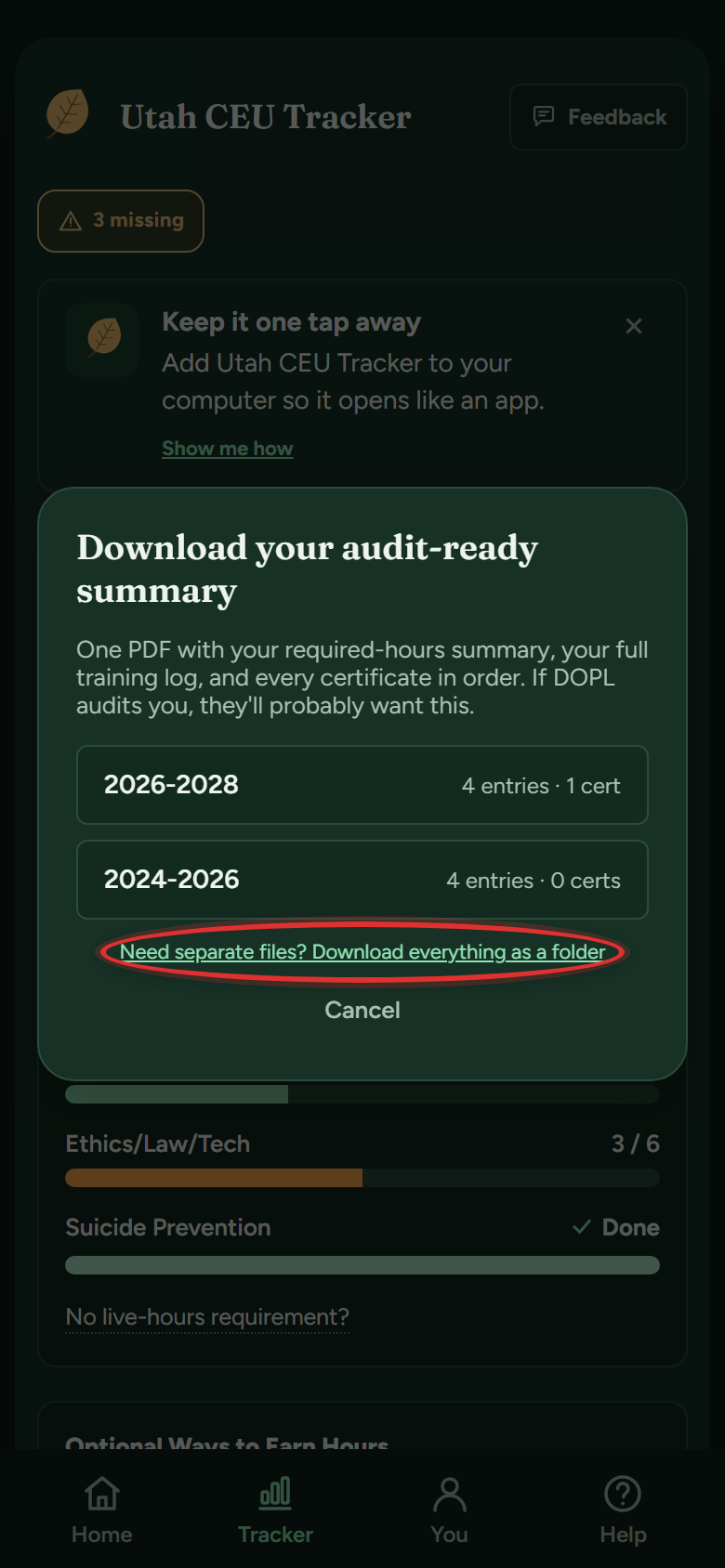
- Want the certificates as separate files too? Tap Need separate files? Download everything as a folder first. (Skip this for the single PDF.)
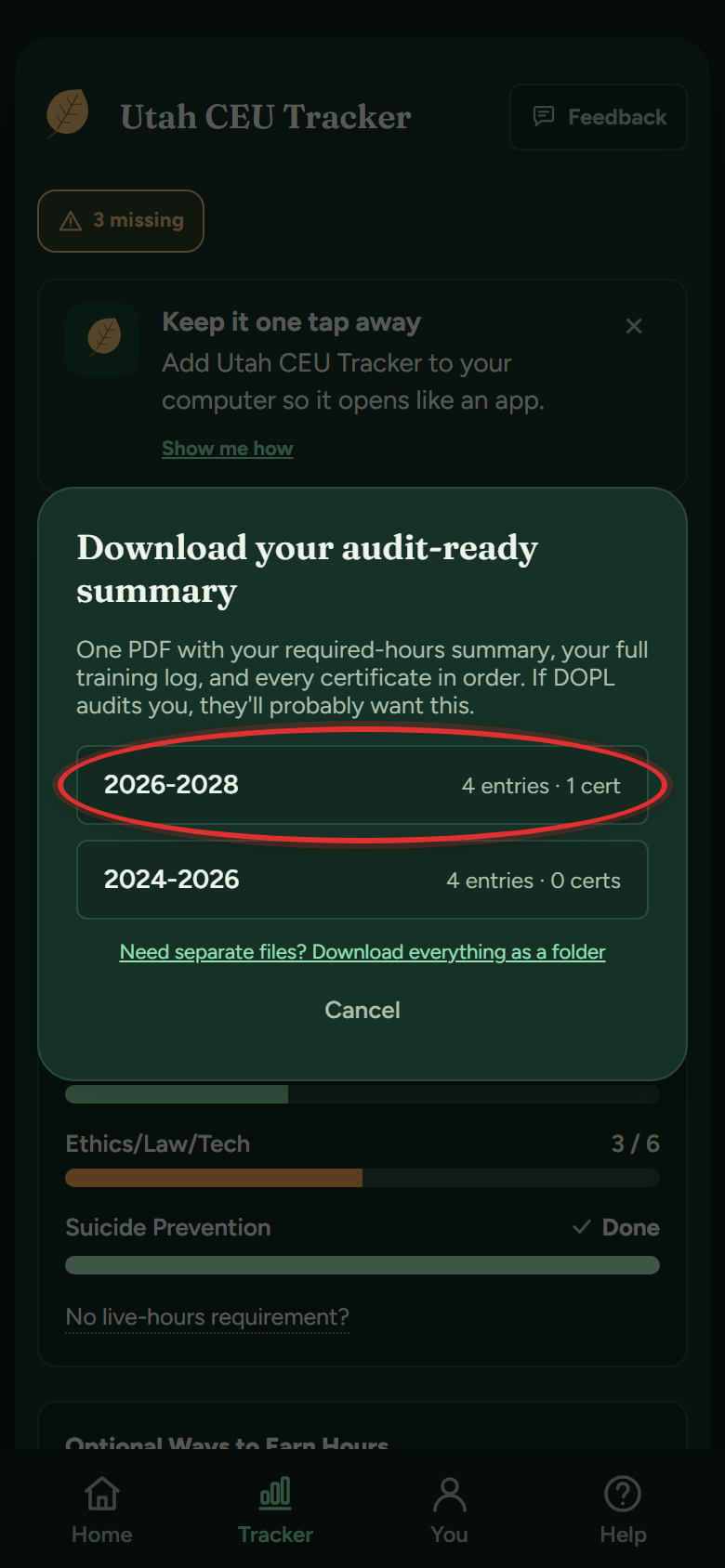
- Tap the cycle you want. Your download starts.
What records should I keep for the other ways to earn hours?
The app tells you as you log. In the Add hours form, tap What should I upload to be audit-ready? (on clinical reading it says What do I need to be audit-ready?). It lists what DOPL expects for that kind of hour, like titles and time spent for clinical reading, or a record from the consultant for peer consultation.
Do I send my hours to DOPL when I renew?
No. You renew online and confirm you've finished your hours; nothing is submitted. DOPL audits a small number of people each cycle. If you're picked, your audit-ready PDF does most of the work, so you're not gathering hours and certificates from scratch.
Does the app send anything to DOPL?
No. Nothing is reported anywhere. When you renew, you attest to DOPL yourself; the app just makes sure the numbers and proof are ready if they ask.
Still stuck? Message support
In the app: Help & Support (on a phone, the Help button in the bottom bar), then Message support. Answers arrive in the app and in your email. Or email support@utahceutracker.com.
Message support